
Paywalls
Manage paywall assets in one media gallery
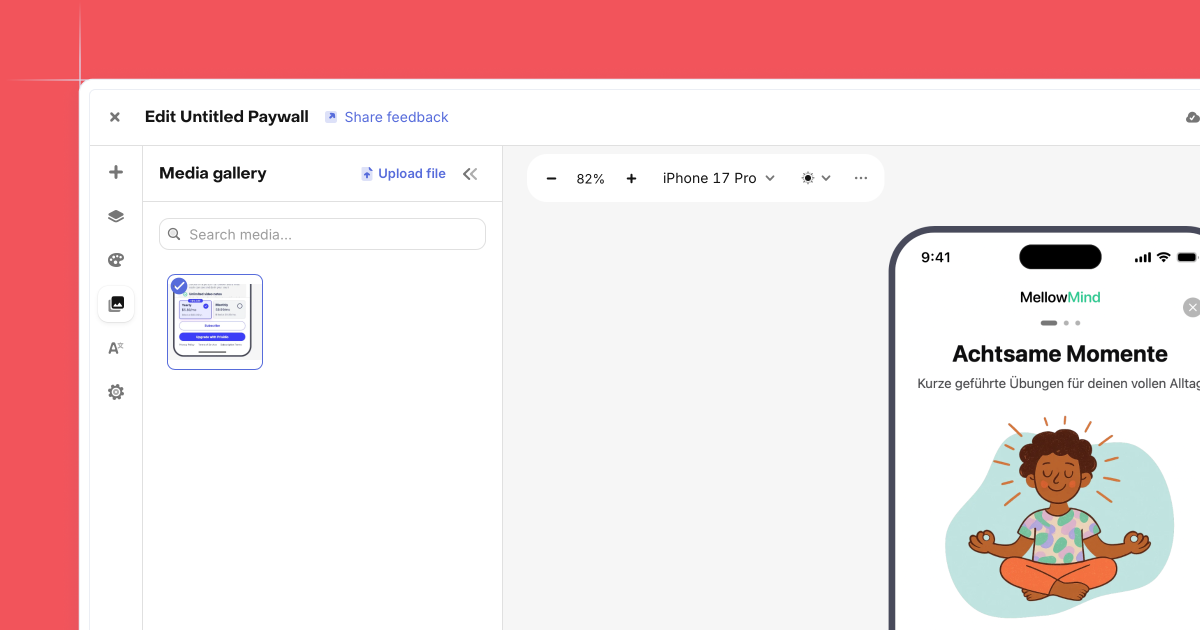
The new Media gallery gives you one place to manage images used across your paywalls. You can browse all assets at a glance, preview them quickly, and clean up files you no longer use without jumping between paywalls.
Uploading is faster too. Drag and drop images straight into the gallery instead of clicking through dialogs. When you’re editing a paywall, you can reuse existing assets from the library instead of uploading the same image again.
This keeps projects organized and reduces duplication, which matters when you’re running multiple paywalls or campaigns that share visuals. The Media gallery helps you move faster, stay consistent, and keep asset management simple as paywall work scales.