
Paywalls Builder keyboard shortcuts + help menu
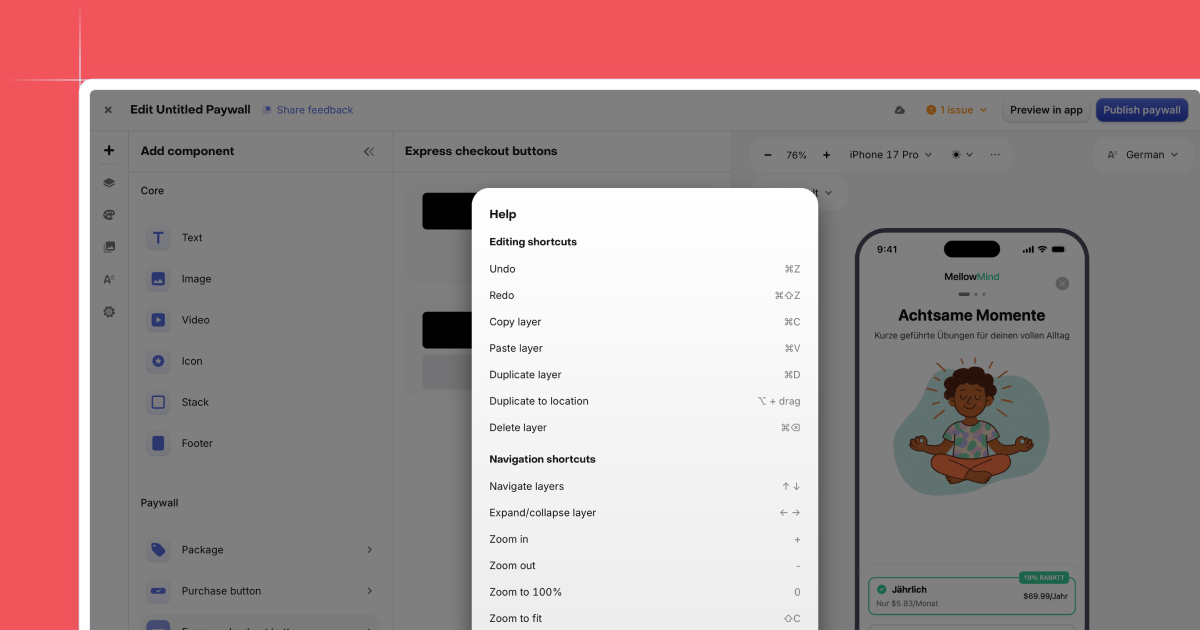
You can now design paywalls faster with new keyboard shortcuts in the Paywalls editor. Use familiar, Figma-style commands to move, duplicate, select, and align components with far less clicking. This makes it easier to iterate on layouts and fine-tune details without breaking your flow.
To make shortcuts easy to find, the editor now includes a dedicated help icon. Open it at any time to see the full list of supported commands and learn new workflows as you work. You don’t need to memorize anything up front.
Shortcuts are especially useful when you’re building or updating multiple paywalls. Small time savings add up when you’re adjusting spacing, testing variants, or cleaning up a layout. Together, keyboard shortcuts and inline help keep editing focused and help you move through daily paywall work faster.