OneSignal
Integrate RevenueCat subscription status with OneSignal



OneSignal can be a useful integration tool for understanding what stage a customer is in to react accordingly. RevenueCat can automatically update user tags in OneSignal with their latest subscription status, and send each purchase event to OneSignal as a custom event.
With our OneSignal integration, you can:
- Send an onboarding campaign to a user in a free trial
- Send a message to churned users and offer them a discount
With accurate and up-to-date subscription data in OneSignal, you'll be set to turbocharge your campaigns ⚡️
For every event in the Events table, the following tags get added or updated on the user in OneSignal. When you create the integration, a tag you leave empty uses its default name. To stop sending a tag, clear its name in the RevenueCat dashboard after the integration is created. If every tag is blank, RevenueCat sends nothing to OneSignal.
| Tag | Description |
|---|---|
app_user_id | The RevenueCat App User Id that triggered the event |
period_type | The latest period type for the purchase or renewal, such as TRIAL, INTRO, or NORMAL. See period_type for all values |
purchased_at | Epoch time in seconds of the latest subscription purchase or renewal |
expiration_at | Epoch time in seconds of the latest subscription expiration date |
store | The store of the purchase, such as APP_STORE or PLAY_STORE. See store for all values |
environment | Either SANDBOX or PRODUCTION |
last_event_type | The latest event type from the user. One of the OneSignal event names listed in Events |
last_event_at | Epoch time in seconds when RevenueCat sent the latest event |
product_id | The latest subscription product identifier that the user has purchased or renewed |
entitlement_ids | Comma separated string of RevenueCat Entitlement identifiers that the user unlocked |
active_subscription | true on INITIAL_PURCHASE, TRIAL_STARTED, RENEWAL, and TRIAL_CONVERTED, false on EXPIRATION, and not sent on other events. It has no default name, so it's only sent once you enter one in the dashboard |
subscription_status | See Subscription Status Attribute below |
grace_period_expiration_at | On BILLING_ISSUE, epoch time in seconds when the grace period ends. null on other events, and not sent on CANCELLATION or TRIAL_CANCELLED |
new_product_id | On PRODUCT_CHANGE, the product identifier the user changed to |
auto_resume_at | On SUBSCRIPTION_PAUSED, epoch time in seconds when the subscription resumes |
Integration at a Glance
| Includes Revenue | Supports Negative Revenue | Sends Sandbox Events | Includes Customer Attributes | Sends Transfer Events | Optional Event Types |
|---|---|---|---|---|---|
| ❌ | ❌ | ✅ | ❌ | ❌ | ❌ |
Events
The OneSignal integration tracks the following events. The OneSignal event name is the value of the last_event_type tag, and the name of the custom event.
| Event | OneSignal Event Name | Description | App Store | Play Store | Amazon | Stripe | Promo |
|---|---|---|---|---|---|---|---|
| Initial Purchase | INITIAL_PURCHASE | A new subscription has been purchased. | ✅ | ✅ | ✅ | ✅ | ❌ |
| Trial Started | TRIAL_STARTED | The start of an auto-renewing subscription product free trial. | ✅ | ✅ | ✅ | ✅ | ❌ |
| Trial Converted | TRIAL_CONVERTED | When an auto-renewing subscription product converts from a free trial to normal paid period. | ✅ | ✅ | ✅ | ✅ | ❌ |
| Trial Cancelled | TRIAL_CANCELLED | When a user turns off renewals for an auto-renewing subscription product during a free trial period. | ✅ | ✅ | ✅ | ✅ | ❌ |
| Renewal | RENEWAL | An existing subscription has been renewed or a lapsed user has resubscribed. | ✅ | ✅ | ✅ | ✅ | ❌ |
| Cancellation | CANCELLATION | A subscription or non-renewing purchase has been cancelled. See cancellation reasons for more details. | ✅ | ✅ | ✅ | ✅ | ✅ |
| Uncancellation | UNCANCELLATION | A non-expired cancelled subscription has been re-enabled. | ✅ | ✅ | ✅ | ❌ | ❌ |
| Non Subscription Purchase | NON_RENEWING_PURCHASE | A customer has made a purchase that will not auto-renew. | ✅ | ✅ | ✅ | ✅ | ✅ |
| Subscription paused | SUBSCRIPTION_PAUSED | The subscription was scheduled to pause at the end of the current period. Don't revoke access on this event. Revoke access only on EXPIRATION with expiration reason SUBSCRIPTION_PAUSED. | ❌ | ✅ | ❌ | ❌ | ❌ |
| Expiration | EXPIRATION | A subscription has expired and access should be removed. If you have Platform Server Notifications configured, this event will occur as soon as we are notified (within seconds to minutes) of the expiration. If you do not have notifications configured, delays may be approximately 1 hour. | ✅ | ✅ | ✅ | ✅ | ✅ |
| Billing Issue | BILLING_ISSUE | There has been a problem trying to charge the subscriber. This does not mean the subscription has expired. Can be safely ignored if listening to CANCELLATION event + cancel_reason=BILLING_ERROR. | ✅ | ✅ | ✅ | ✅ | ❌ |
| Product Change | PRODUCT_CHANGE | A subscriber has changed the product of their subscription. This does not mean the new subscription is in effect immediately. See Managing Subscriptions for more details on updates, downgrades, and crossgrades. | ✅ | ✅ | ❌ | ✅ | ❌ |
Custom events
With Send as Custom Events turned on, RevenueCat also sends every event in the table above to OneSignal's Custom Events API, on top of updating the user's tags. It's on by default for new integrations. Integrations set up before the option existed have it off until you turn it on.
Each custom event:
- Is named with the OneSignal event name from the Events table, such as
TRIAL_STARTEDorRENEWAL - Is sent to the same OneSignal user and app as the tag update
- Carries the time of the event as its timestamp, for example the purchase or expiration time
- Includes the tags' subscription data as event properties, under the tag names you configured
The properties leave out the app_user_id, last_event_type, and last_event_at tags, and any tag you left blank. Custom events need at least one tag: if every tag is blank, RevenueCat sends neither the tag update nor the custom event, and nothing shows in Customer History.
OneSignal Custom Events are only available on paid OneSignal plans. If your OneSignal app is on the Free plan, turn off Send as Custom Events.
1. Send device data to RevenueCat
1.1 User-centric API versions of OneSignal (v5 SDK and above)
The OneSignal integration requires some user-specific data. RevenueCat will only update users in OneSignal if the below data has been added as Subscriber Attributes for the user.
| Key | Description | Required |
|---|---|---|
$onesignalUserId | The OneSignal ID used to represent the user. | ✅ |
This property can be set manually, like any other Subscriber Attributes, or through the helper method setOnesignalUserID().
Make sure to call OneSignal's login method before sending the OneSignal Id as this may change.
You can listen for changes to the OneSignal Id through their SDK, and send the value to RevenueCat. If you already have OneSignal set up, you should make sure that you're also sending the OneSignal Id for users that are updating to the latest version of your app.
- UIKit
- SwiftUI
1.2 Device-centric API versions of OneSignal (v4 SDK and below)
The OneSignal integration requires some device-specific data. RevenueCat will only update users in OneSignal if the below data has been added as Attributes for the Customer.
| Key | Description | Required |
|---|---|---|
$onesignalId | The OneSignal Player Id for the user. | ✅ |
This property can be set manually, like any other Attribute, or through the helper method setOnesignalID().
You can listen for changes to the OneSignal Id through their SDK, and send the value to RevenueCat. If you already have OneSignal set up, you should make sure that you're also sending the OneSignal Id for users that are updating to the latest version of your app.
- Swift
2. Send RevenueCat events into OneSignal
After you've set up the Purchases SDK to send device data to RevenueCat, you can "turn on" the integration and configure the tag names from the RevenueCat dashboard.
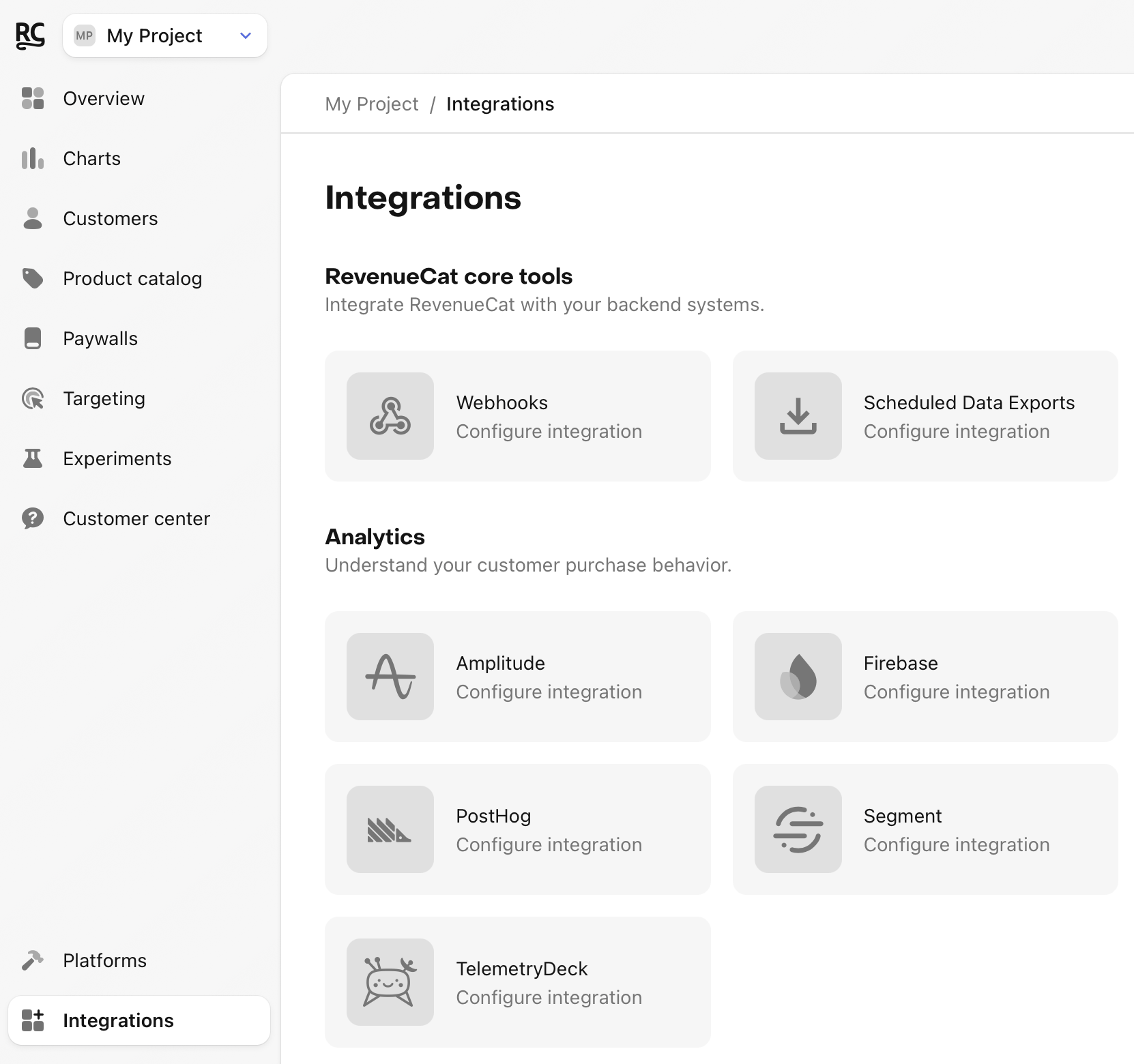
- Navigate to your project settings in the RevenueCat dashboard and choose 'OneSignal' from the Integrations menu
-
Add the App ID and API key of the OneSignal app that should receive each kind of purchase:
- Production: production purchases go to this app.
- Sandbox: sandbox purchases go to this app. It can be the same app as Production, or a separate one, for example the app your development builds use.
Set up production, sandbox or both. If you leave both fields of a section empty, RevenueCat doesn't send events for that kind of purchase.
-
Turn Send as Custom Events on or off. When on, RevenueCat sends each event as a custom event in addition to updating tags.
-
Enter the tag names that RevenueCat should use, or choose the default tag names.
RevenueCat picks the app from the purchase's environment. Purchases from TestFlight, Google Play license testers and other test accounts are sandbox purchases, even in a release build, so they go to the Sandbox app. Make sure those users exist in that OneSignal app, or the update fails.
Existing integrations show the same app in Production and Sandbox, so they keep sending sandbox purchases where they did before. Change the Sandbox section to send them to another app.
3. Testing the OneSignal integration
You can test the OneSignal integration end-to-end before going live. It's recommended that you test the integration is working properly for new users, and any existing users that may update their app to a new version.
Make a sandbox purchase with a new user
Simulate a new user installing your app, and go through your app flow to complete a sandbox purchase. The event goes to the OneSignal app in the Sandbox section, so set it up before testing.
Check that the required device data is collected
Navigate the the Customer View for the test user that just made a purchase. Make sure that all of the required data from step 1 above is listed as attributes for the user.
Check that the OneSignal event delivered successfully
While still on the Customer View, click into the test purchase event in the Customer History and make sure that the OneSignal integration event exists and was delivered successfully.

Sample Events
Below are sample JSON bodies of the tag updates RevenueCat sends to OneSignal for each event.
- Initial Purchase
- Trial Started
- Trial Converted
- Trial Cancelled
- Renewal
- Cancellation
- Uncancellation
- Non Subscription Purchase
- Subscription Paused
- Expiration
- Billing Issue
- Product Change
With Send as Custom Events on, RevenueCat also sends a custom event like this one for an initial purchase:
- Initial Purchase
If your tags aren't working and RevenueCat is sending events successfully with 200 codes, check out OneSignal's troubleshooting guide.
You should start seeing subscription data from RevenueCat appear on users in OneSignal.
Subscription Status Attribute
Whenever RevenueCat sends an event to OneSignal, we'll send a subscription_status user attribute with any applicable changes, using one of the following values:
| Status | Description |
|---|---|
| active | The customer has an active, paid subscription which is set to renew at their next renewal date. |
| intro | The customer has an active, paid subscription through a paid introductory offer. |
| cancelled | The customer has a paid subscription which is set to expire at their next renewal date. |
| grace_period | The customer has a paid subscription which has entered a grace period after failing to renew successfully. |
| trial | The customer is in a trial period which is set to convert to paid at the end of their trial period. |
| cancelled_trial | The customer is in a trial period which is set to expire at the end of their trial period. |
| grace_period_trial | The customer was in a trial period and has now entered a grace period after failing to renew successfully. |
| expired | The customer's subscription has expired. |
| promotional | The customer has access to an entitlement through a RevenueCat Granted Entitlement |
| expired_promotional | The customer previously had access to an entitlement through a RevenueCat Granted Entitlement that has since expired. |
| paused | The customer has a paid subscription which has been paused and is set to resume at some future date. |
For customers with multiple active subscriptions, this attribute will represent the status of only the subscription for which the most recent event occurred.
Please note that since this attribute is set and updated when events are delivered, subscribers with events prior to our release of this attribute (during November 2023) will not have this attribute set until/unless a future event (renewal, cancellation, etc) occurs.