
Paywalls
Use keyboard shortcuts in the Paywall Builder
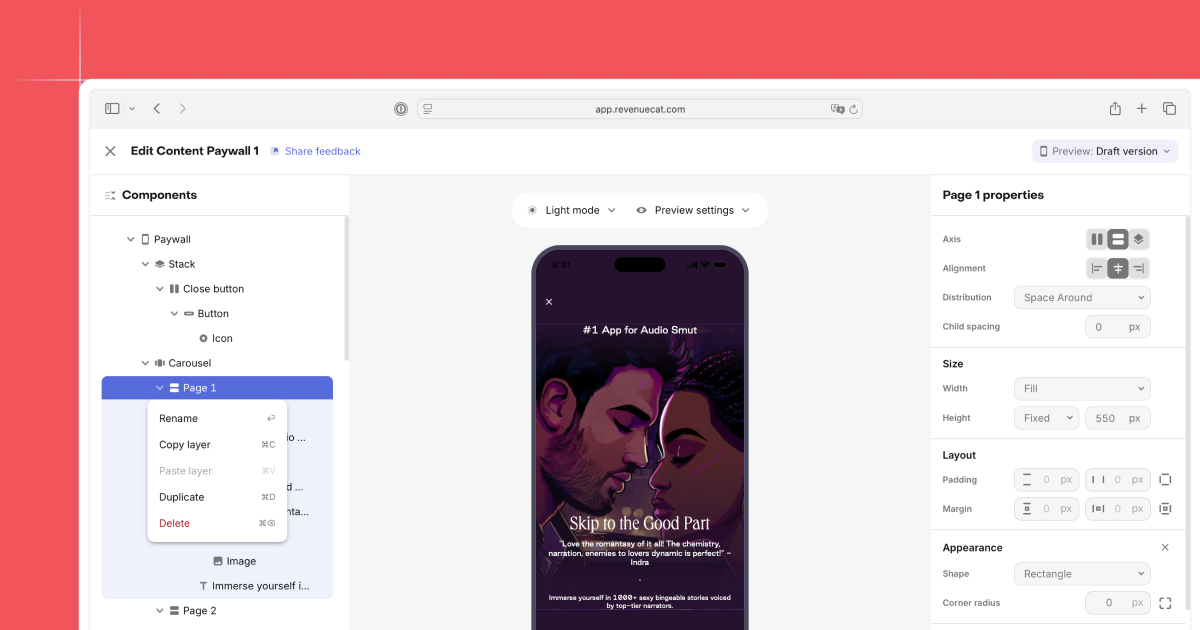
You can now use keyboard shortcuts to work faster in the Paywall Builder. Common actions like adding components, duplicating sections, undoing changes, and moving items around the canvas are now one key combo away.
Shortcuts help when you’re iterating on layouts, testing variants, or cleaning up a template. You’ll spend less time reaching for the mouse and more time staying in flow.
Here are a few you’ll use often:
- Copy, paste, and duplicate components
- Undo and redo edits
- Delete selected blocks quickly
Open the shortcuts menu in the builder to see the full list. The combos follow standard Mac and Windows patterns, so they should feel familiar. This is the first set of shortcuts. We’re adding more soon.