
Monetize your app from the CLI
The CLI for developers and agents to set up and manage RevenueCat. Connect stores, create products, paywalls, and experiments, and look up customers from your terminal.
npx @revenuecat/clirc auth status
Your agent speaks CLI
Every command supports --json and describes itself at runtime, so a caller parses a result rather than scraping formatted text.
Use the CLI from a coding agent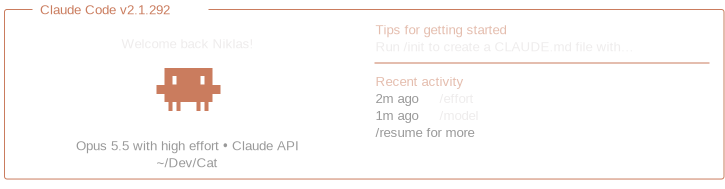
- Tool call: Bash(rc auth login)Success: Logged in as Example Developer <dev@example.com>Profile: default
- Tool call: Bash(rc projects use proj_cat)Success: Active project: Cat (proj_cat)
- Agent:
You're signed in and the CLI is pointed at Cat. I'll use this project for everything that follows.
From prompt to production
Watch Claude Code take a project from sign-in to live products using nothing but the RevenueCat CLI.
Everything from your terminal
Log in, look up customers, connect stores and read your charts without leaving the shell.
See all commandsThe CLI for agents and developers
Ask your agent to use the RevenueCat CLI to monetize your app. No need to leave your terminal or copy and paste API keys.
npx @revenuecat/cli