
Connect your 


 agent
to RevenueCat
Let Claude, Codex, Cursor, and other agents set up RevenueCat, configure app stores, build paywalls, run experiments, and analyze your business.

What your agent can use
Start with the plugin, or connect over MCP, add the skills, and run the CLI separately.
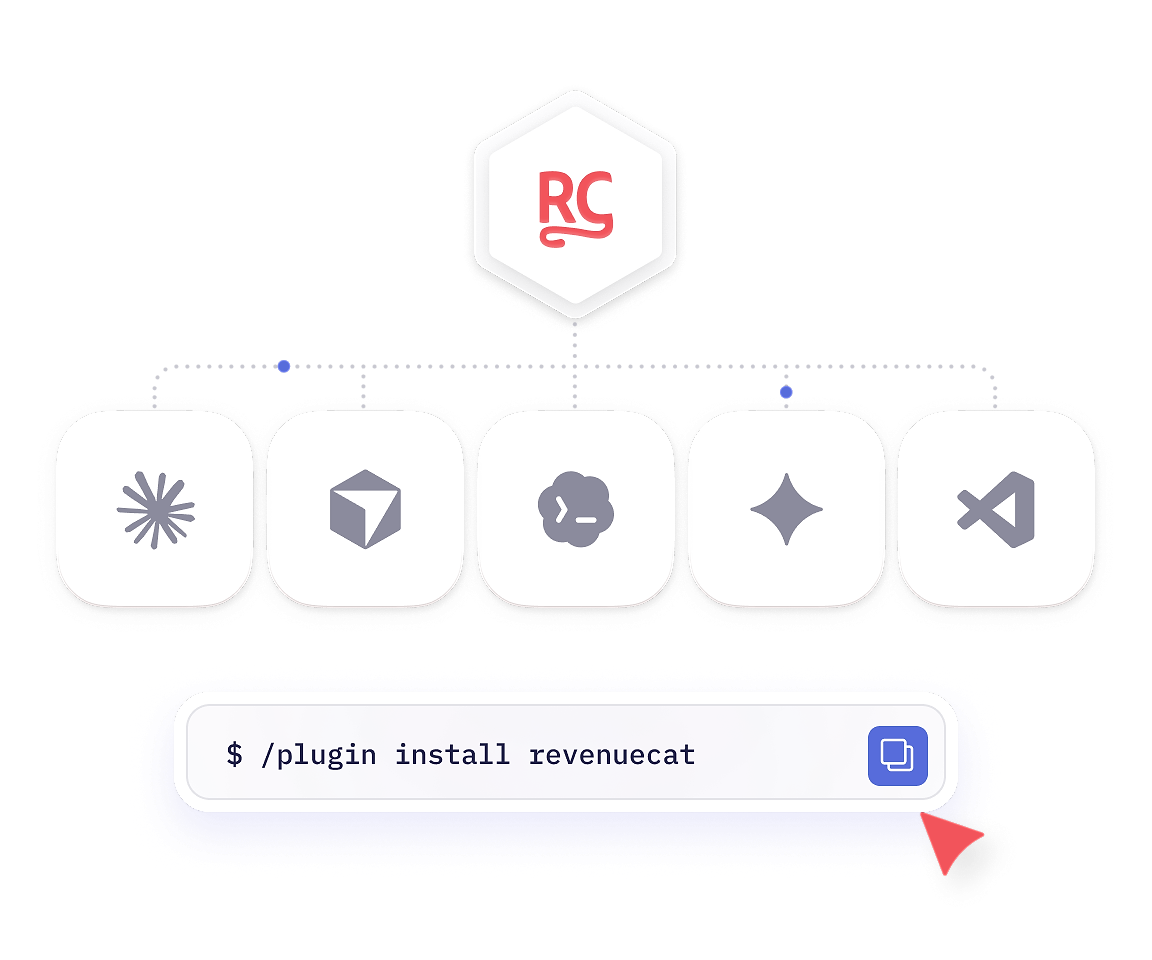
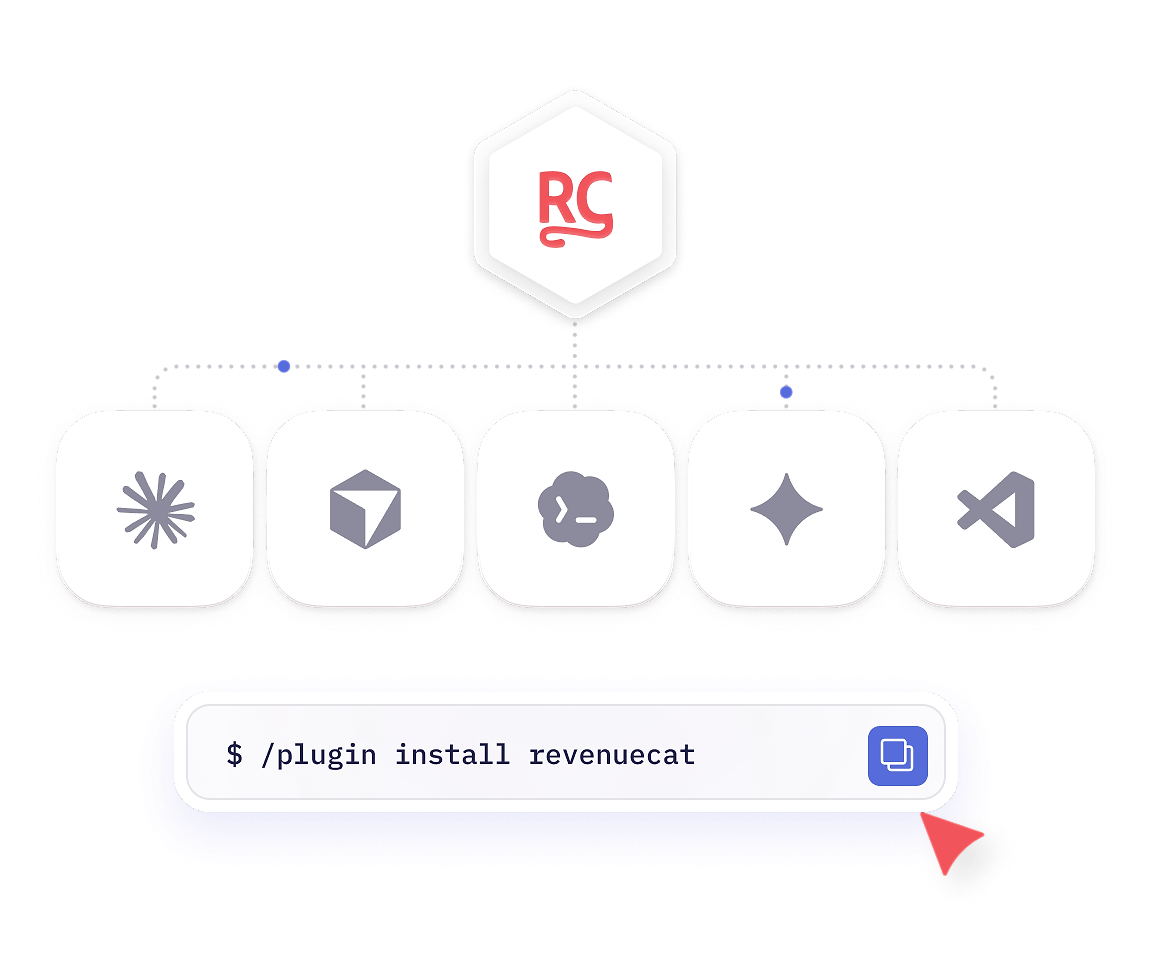
Connect your agent in one command
- Claude Code, Cursor, Codex, Gemini CLI, and VS Code are all supported.
- New skills and tools arrive automatically with every update.
- You sign in once with OAuth, so there are no API keys to paste.


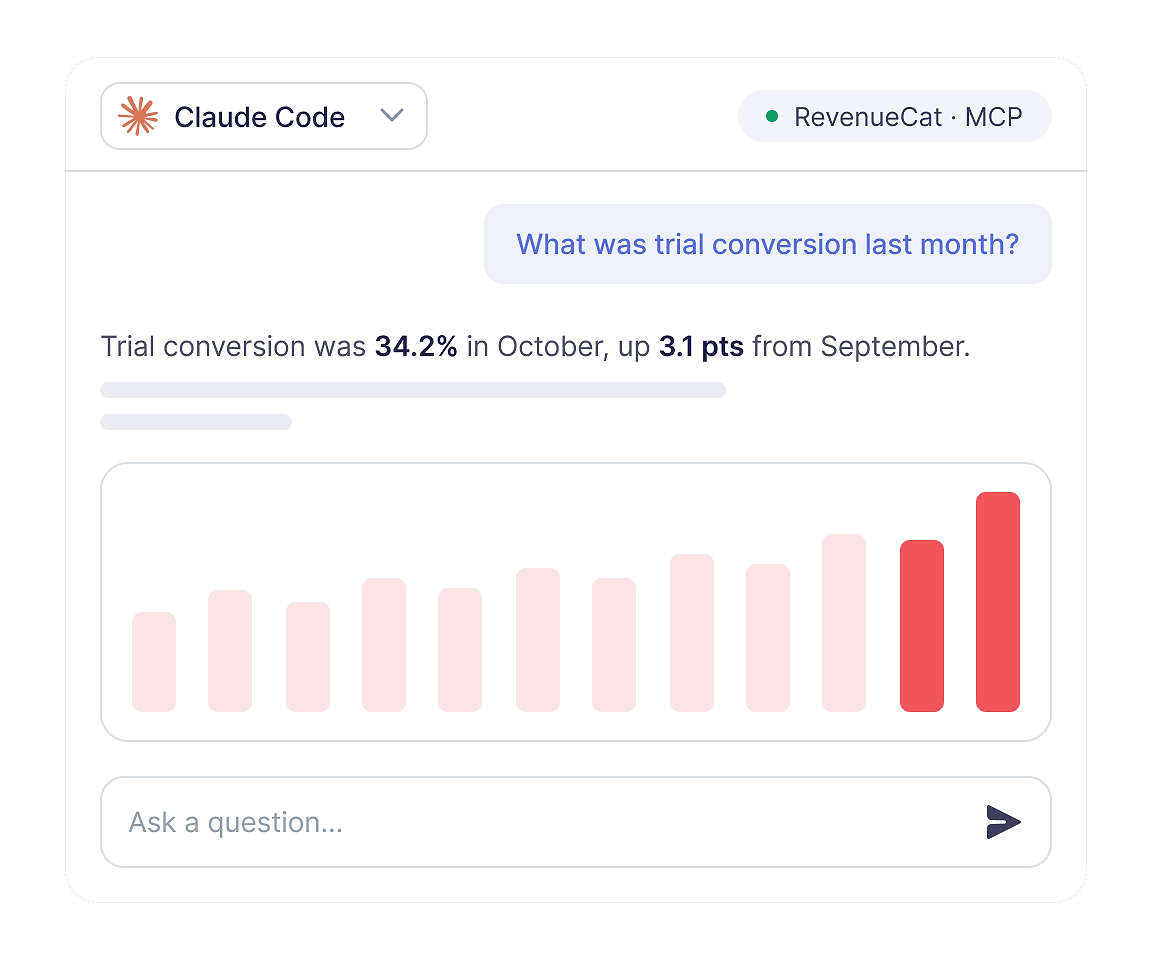
Run RevenueCat from your agent
- Analytics cover revenue, subscribers, trial conversion, and experiment results.
- Configuration covers apps, products, entitlements, offerings, paywalls, and experiments.
- The MCP Server is hosted and works with any MCP client.
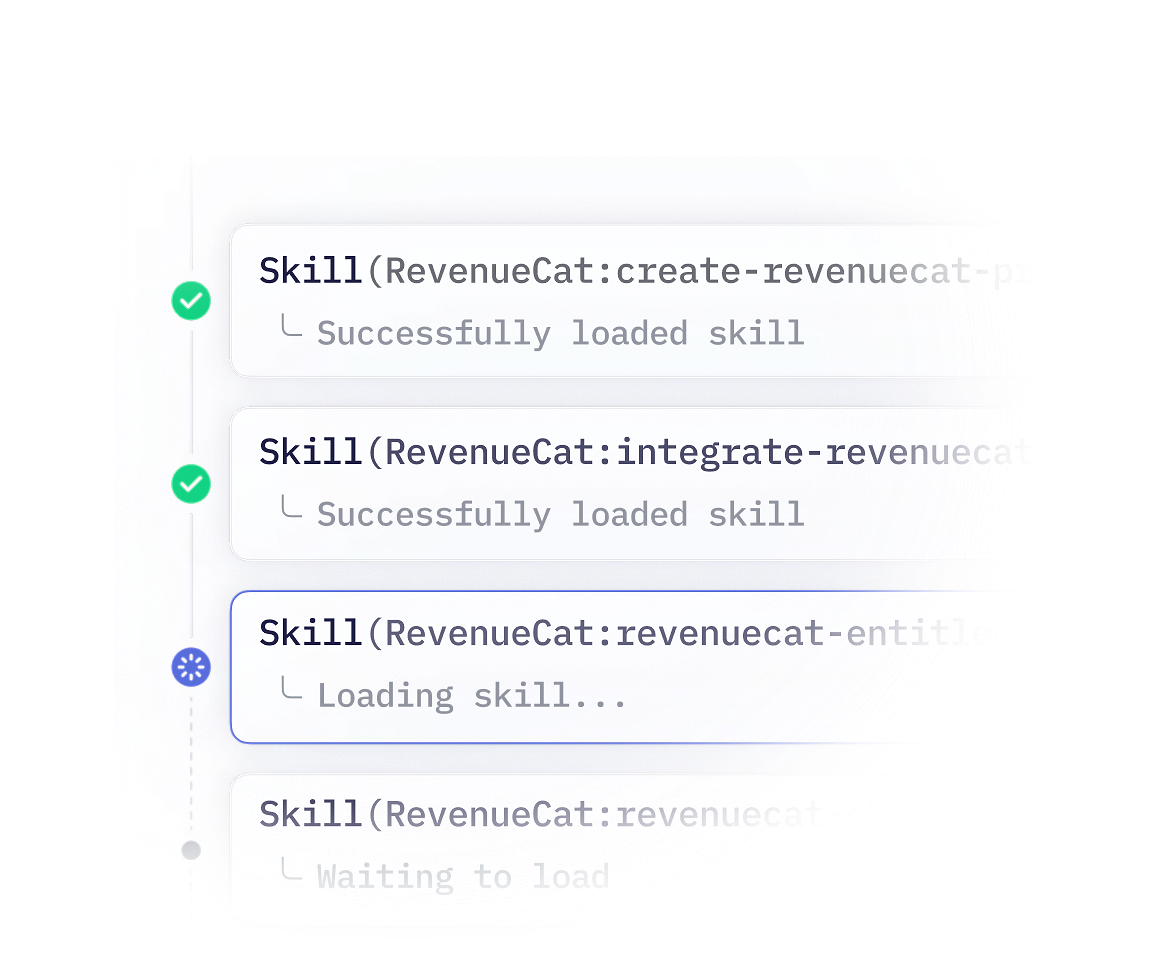
Teach your agent how RevenueCat works
- Setup skills walk your agent through the SDK, products, entitlements, and a first paywall.
- Paywall skills cover building paywalls, gating features, and testing purchases in sandbox.
- Other skills cover experiments, charts, forecasting, migrations, and troubleshooting.
Manage RevenueCat from your terminal
- Sign in with your Apple Account and your .p8 keys go straight from Apple to RevenueCat.
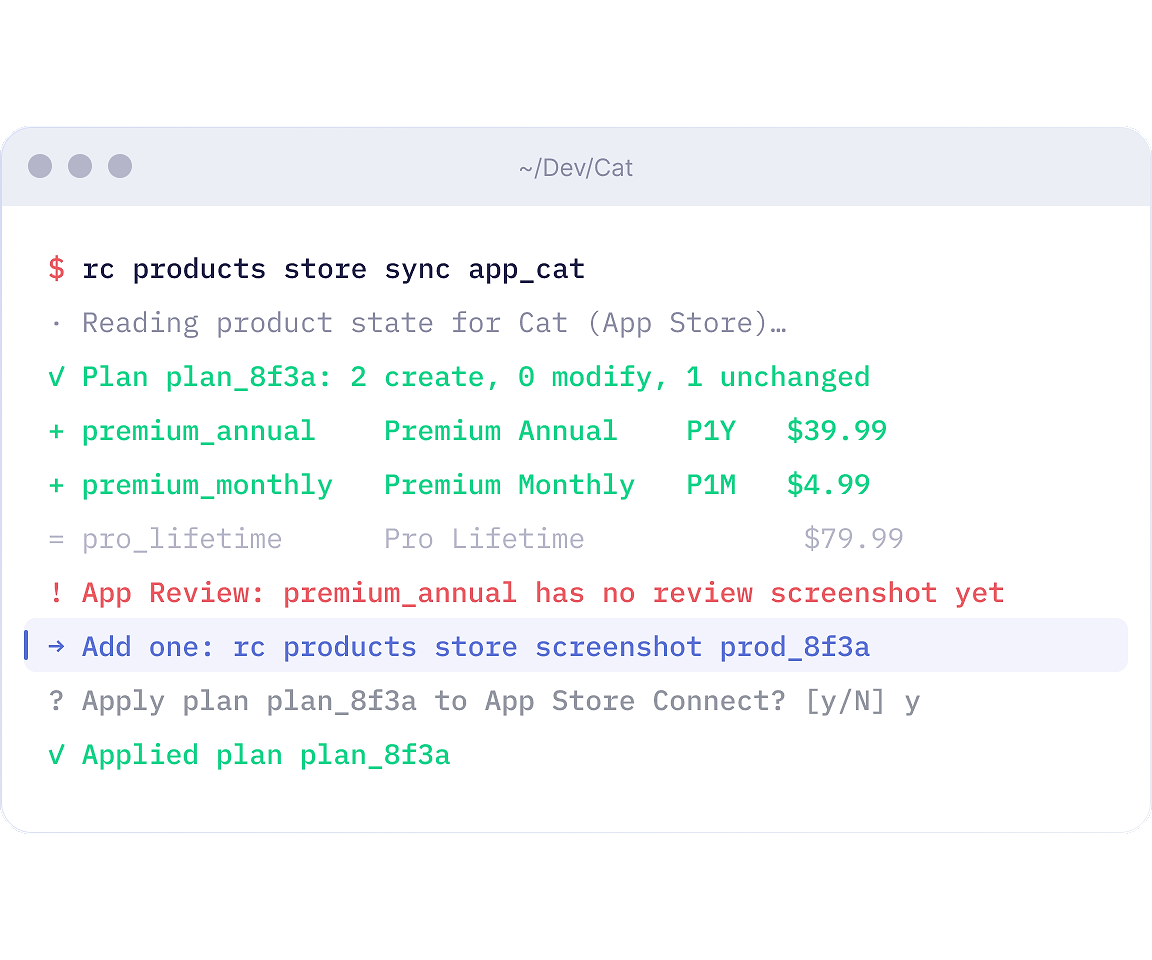
- Sync products, generate a paywall from a prompt, or refund a payment without leaving the terminal.
- All 153 commands support --json, errors carry a next-step hint, and human steps are flagged.
Frequently asked questions
The MCP Server is one part of the toolkit and gives your agent authenticated access to your RevenueCat projects. The skills teach your agent RevenueCat best practices, and the plugin installs both in one step.
Rico is RevenueCat's agent inside the dashboard, Slack, and mobile app. The AI Toolkit lets you connect RevenueCat to your own coding agent, so you can configure, debug, and analyze without leaving your editor.
The plugin supports Claude Code, Cursor, OpenAI Codex, Gemini CLI, and Visual Studio Code. Other agents can install the skills separately and connect the MCP Server manually.
The goal is to make everything you do in the dashboard available through your agent. The MCP Server already covers analytics and configuration, from apps and products to entitlements, offerings, packages, and paywalls. For anything the MCP Server doesn't cover yet, the CLI ships commands that call the same API the dashboard uses.
Your agent signs in with OAuth in the browser, so no key goes into your client configuration. An API v2 secret key is available for CI and other non-interactive setups.
Monetize your app with RevenueCat and your favorite agent
Let Claude, Codex, Cursor, and other agents set up RevenueCat, configure app stores, build paywalls, run experiments, and analyze your customers.
Not writing code?Meet Rico, our AI agent in the dashboard