

Arthur C. Clarke, the British science-fiction author and futurist behind 2001: A Space Odyssey, spent his career imagining what technology could make possible.
As he put it:
“The only way of discovering the limits of the possible is to venture a little way past them into the impossible.”
Even flexible visual builders have limits. You can arrange the available components in countless ways, but some ideas, such as a branded animation or expandable FAQs, don’t fit neatly within a predefined set of building blocks.
We want to give developers more freedom to push what their purchase experiences can do and bring their most creative ideas to life. That’s why we introduced custom components for RevenueCat Paywalls and web-to-app Funnels.
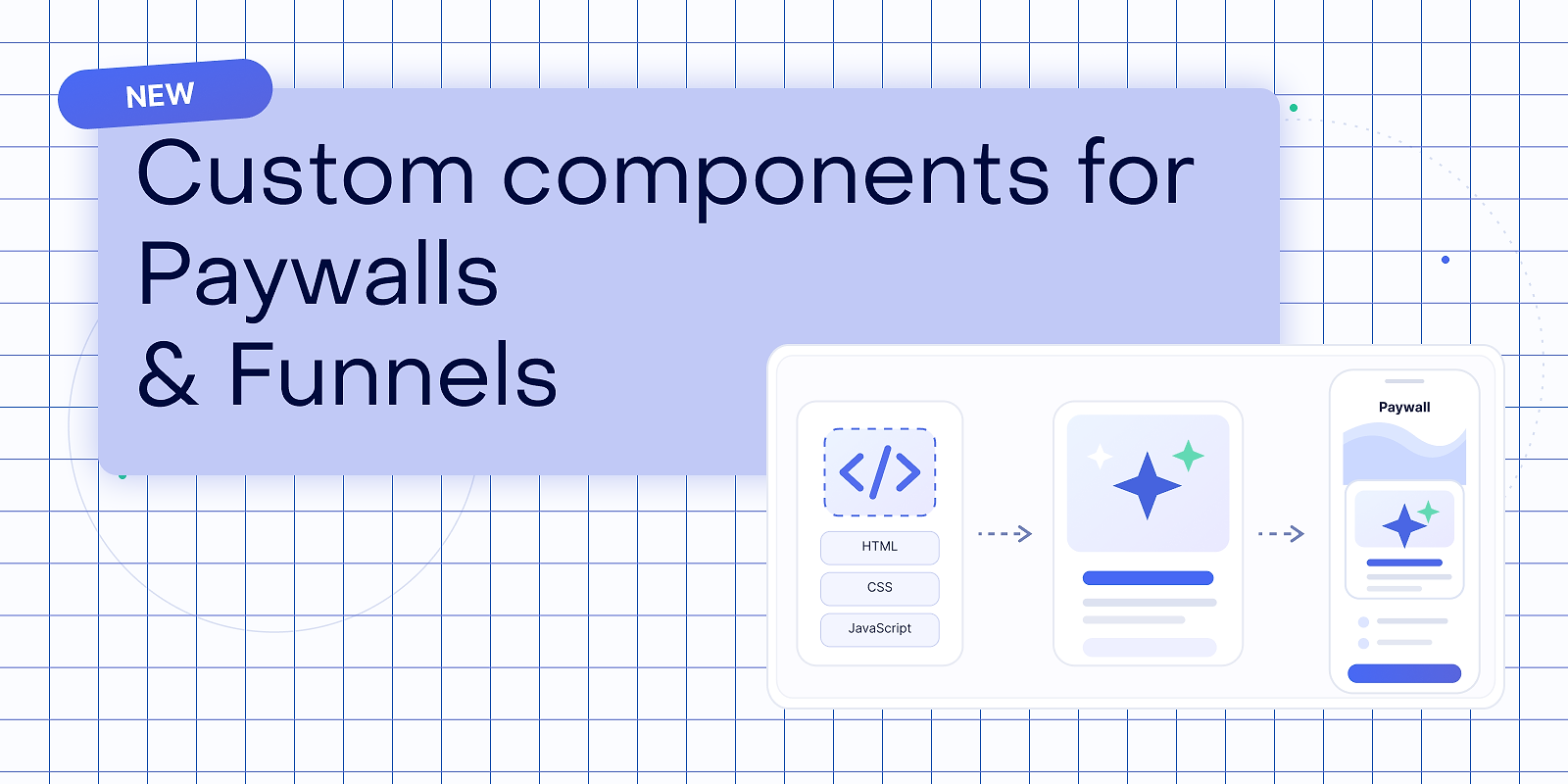
With custom components, you can bring self-contained HTML, CSS, and JavaScript into a paywall or funnel to create animated backgrounds and icons, accordions and expandable content, and experiences tailored to your app.
Purchase-critical elements still rely on RevenueCat’s native components and checkout flows. But the canvas around them just became much bigger.
Here are two ways to put custom components to work.
Bring your purchase experience to life with animation
Motion can add personality, reinforce your brand, and guide attention toward the most important parts of a paywall or web-to-app funnel.
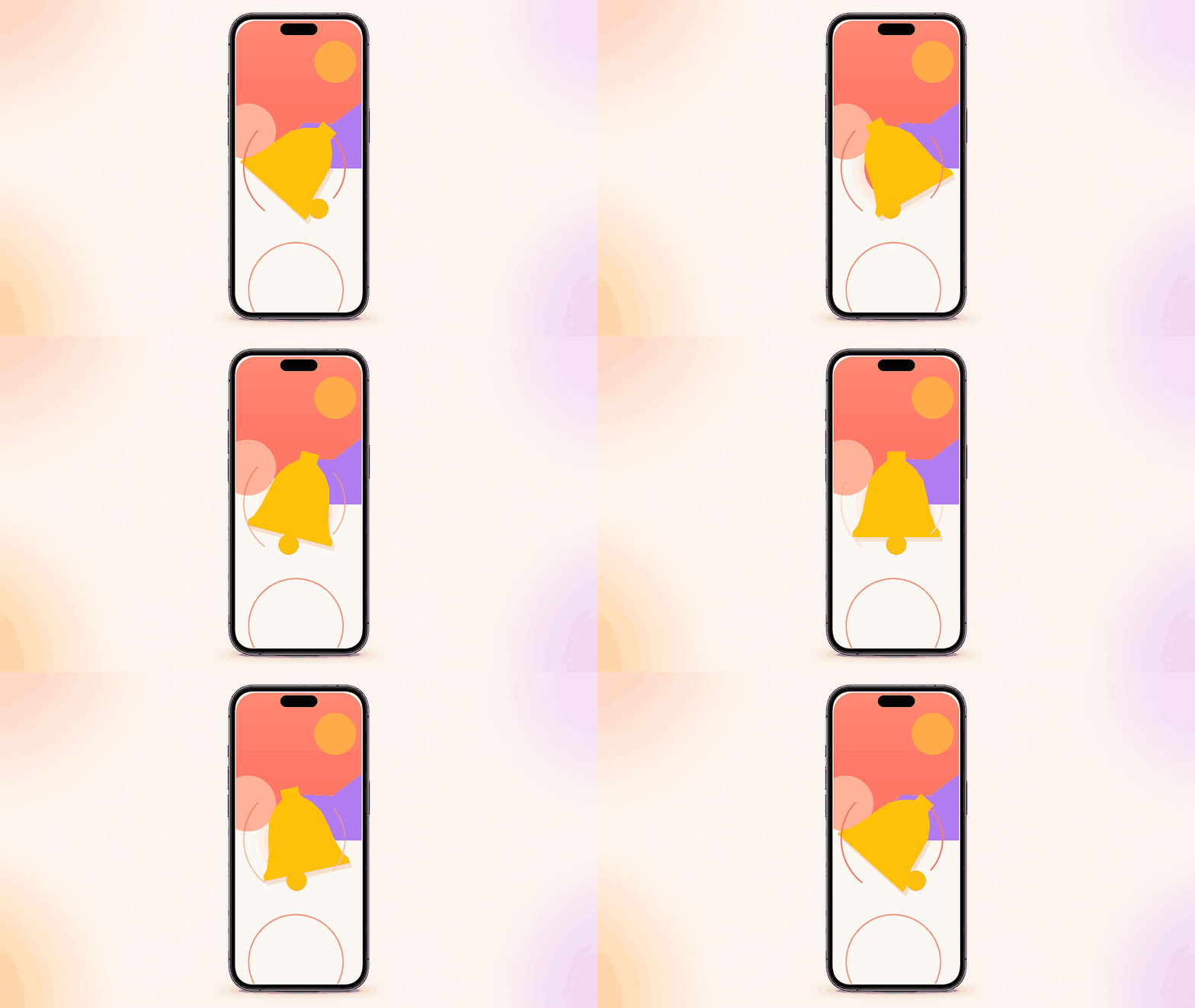
Custom components let you create animated backgrounds, icons, illustrations, and other visual treatments that go beyond static media. You can build animations directly with CSS or JavaScript, or use libraries such as Lottie and Rive by including them in your component bundle.
For example, you could:
- Add a subtle animated background behind your value proposition
- Bring benefit icons to life as customers explore an offer
- Use a looping illustration to demonstrate your app’s premium experience
- Add branded motion to connect the different steps of a web-to-app funnel
Animation doesn’t need to dominate the experience. Even small moments of movement can make a paywall or funnel feel more polished and connected to the rest of your brand.
Let customers expand the details they care about
Customers often have questions before subscribing, but putting every answer on the screen at once can make a purchase experience difficult to scan.
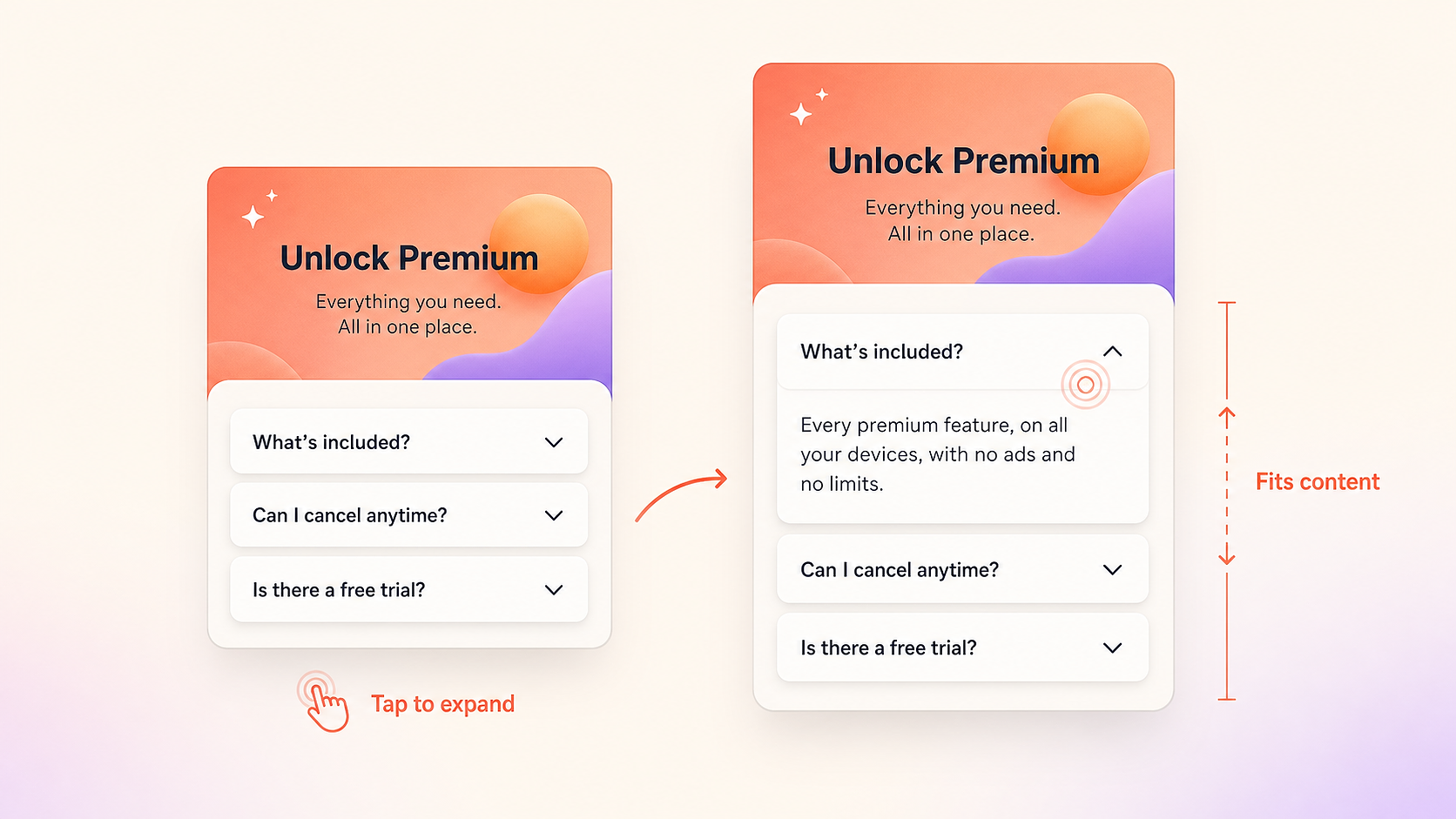
With HTML and JavaScript, you can create accordions and expandable sections that keep the initial experience focused while giving customers access to additional context.
You might use expandable content for:
- Frequently asked questions
- More information about individual benefits
- Explanations of how a feature works
- Details about what’s included with an upgrade
- Supporting information within a web-to-app onboarding journey
This creates a more layered experience. Customers can quickly understand the primary value proposition, then dig deeper when they need reassurance or clarification.
In a paywall, expandable content can keep the offer focused without hiding useful details. In a funnel, it can add depth to an onboarding screen without turning every step into a wall of text.
Build it with an agent or write it yourself
To get started, add a custom component in the RevenueCat Paywall or Funnel Editor and download the starter bundle. It includes an index.html entry point, a local preview, packaging tools, a getting-started guide, and instructions that coding agents can follow.
You can give the folder to your coding agent of choice and describe the experience you want.
Your coding agent can use the included instructions to build the component within RevenueCat’s requirements. If you prefer to work directly with the code, you can edit the HTML, CSS, and JavaScript yourself.
When the component is ready, preview it, package the files, and upload the resulting ZIP file. You can then place the custom component where you want it in your paywall or funnel.
Creativity, with guardrails
Custom components are self-contained and run inside the area they occupy in your paywall or funnel. They’re intended for decorative and supplementary experiences.
They shouldn’t contain interface elements required to complete a purchase. In Paywalls, packages and purchase buttons must remain native. In Funnels, custom components should complement RevenueCat’s native purchase controls and checkout flow.
Uploaded bundles must also follow RevenueCat’s security, file structure, and size requirements. For in-app paywalls, your app needs a supported RevenueCat SDK version to display custom components. Review the custom component requirements and minimum SDK versions before publishing.
Custom components open up a much broader creative canvas across RevenueCat Paywalls and web-to-app Funnels, from a single animated icon to an expandable experience that helps customers understand why they should upgrade.
Open the RevenueCat Dashboard and start building.
We can’t wait to see what you create.