

App Store commission can take 30% of each purchase. But if you’ve been treating that as a fixed cost, it’s worth checking your rate.
Apple offers several ways to pay less, and some only require enrolling in a program you already qualify for. Easy to put off when you’re busy shipping. Potentially expensive to forget.
Say your app brings in $100,000 in eligible sales before tax. If you qualify for 15% but still pay 30%, you’re paying $15,000 more in commission than you need to.
Start by checking which discounts you can claim, then whether alternative in-app payments or web checkout could lower your fees further. We'll cover Apple's options and how to update your RevenueCat settings, with a quick look at Google Play if you also sell on Android.
How App Store fees work
Apple’s standard In-App Purchase commission is 30% in the US and most other markets, while the EU, Japan, and Brazil have a 26% standard rate. Eligible programs and subscription discounts can bring those rates down to 15%.
Paid downloads carry a commission. Digital purchases inside your app, such as premium features, game currency, and subscriptions, generally go through Apple’s In-App Purchase (IAP). Some markets also let you offer another processor or send customers to web checkout.
Selling groceries or a ride? Those purchases fall outside App Store commission because the goods or services are consumed outside the app. Apple’s payment guidelines explain the exceptions.
Here’s what Apple charges across the main options:
Could your app pay less in fees?
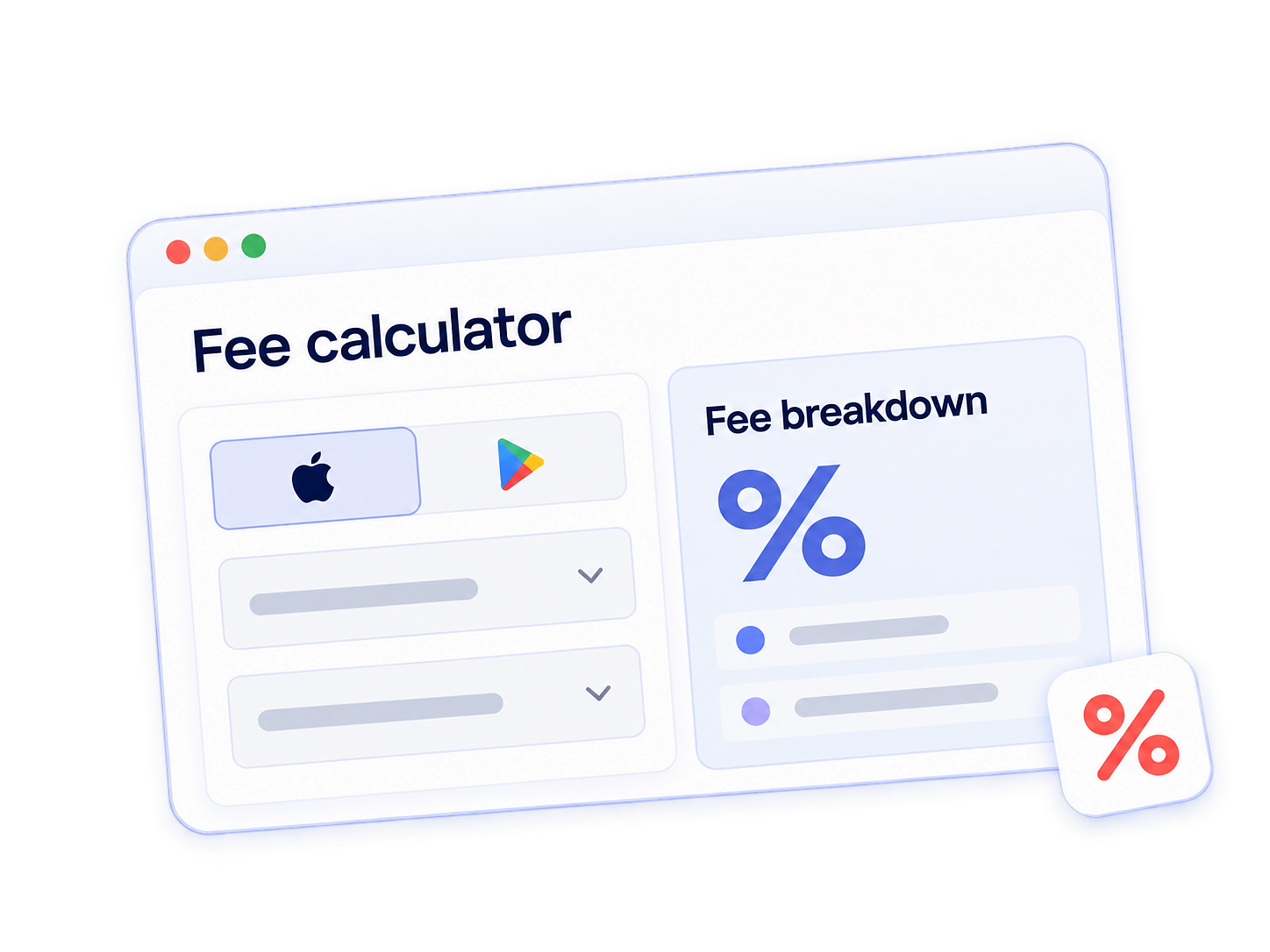
Use RevenueCat’s App Store fee calculator to compare your current payment mix with the new EU options.
How to pay less in App Store fees
You might already qualify for a lower App Store commission. Apple has programs for smaller developers and certain types of apps, plus a discount for subscriptions after the first paid year.
Let’s start with those, then look at whether alternative payments could save you more.
1. Enroll in the Small Business Program
Apple’s Small Business Program brings commissions on paid downloads and IAP down to 15%, including subscriptions from their first payment. If you qualify, you’ll need to enroll to get the rate.
The main requirement is no more than $1 million in App Store proceeds in the previous calendar year, without exceeding that threshold in the current year.
“Proceeds” means sales after Apple’s commission and certain taxes and adjustments. Apple adds together the proceeds from all your associated developer accounts, so check the total across your business.
New developers can qualify too. Once you’ve checked eligibility, your Apple Developer Account Holder can enroll in three steps:
- Accept the latest Paid Apps Agreement in App Store Connect.
- Gather the details of any associated developer accounts.
- Submit the Small Business Program enrollment form.
The lower rate starts 15 days after the end of the fiscal month in which Apple approves enrollment. Use that effective date when updating your RevenueCat settings.
What if you grow past $1 million?
Standard rates apply to subsequent sales, although qualifying subscriptions can still receive the discount covered below. If your proceeds fall below the threshold in a future calendar year, you can requalify the following year.
2. Check whether a partner program fits your product
Passing $1 million does not close every route to a reduced commission. Apple has separate partner programs for certain kinds of apps, each with its own requirements and enrollment process.
If your product fits one of these programs, check what joining would involve. Hosting a qualifying mini app, for example, won’t lower commission across your whole app. The Video Partner Program requires integrations with Apple’s features. Make sure to factor that development work into the potential savings.
3. Keep the subscription discount in your forecast
Keeping a subscriber for a full paid year can also lower Apple’s commission. Qualifying auto-renewing subscriptions reach the 15% IAP rate after that milestone, even without Small Business Program enrollment. In markets where the standard rate is 30%, your commission drops by half.
A few details matter when counting that year:
- The discount depends on how long each customer has paid. It starts after that subscriber completes a year of paid service, regardless of when you launched your app.
- Changing plans doesn’t necessarily restart that year. If a customer moves between plans in the same Apple subscription group, their previous paid months still count.
- Trial time is excluded. A one-month free trial followed by 11 paid months counts as 11 months toward the discount.
Small Business Program members already pay 15% from the first payment, so completing a year brings no further reduction. If you outgrow the program, though, subscribers who have completed a paid year keep the 15% rate. You pay the standard commission on newer subscribers until they reach that milestone.
4. Consider alternative payments
Alternative payments can lower your App Store fees, even if you already qualify for a reduced rate. The savings depend on the market and where checkout happens.
There are two options, depending on the market:
- Another processor inside your app, available in the EU, Japan, and Brazil.
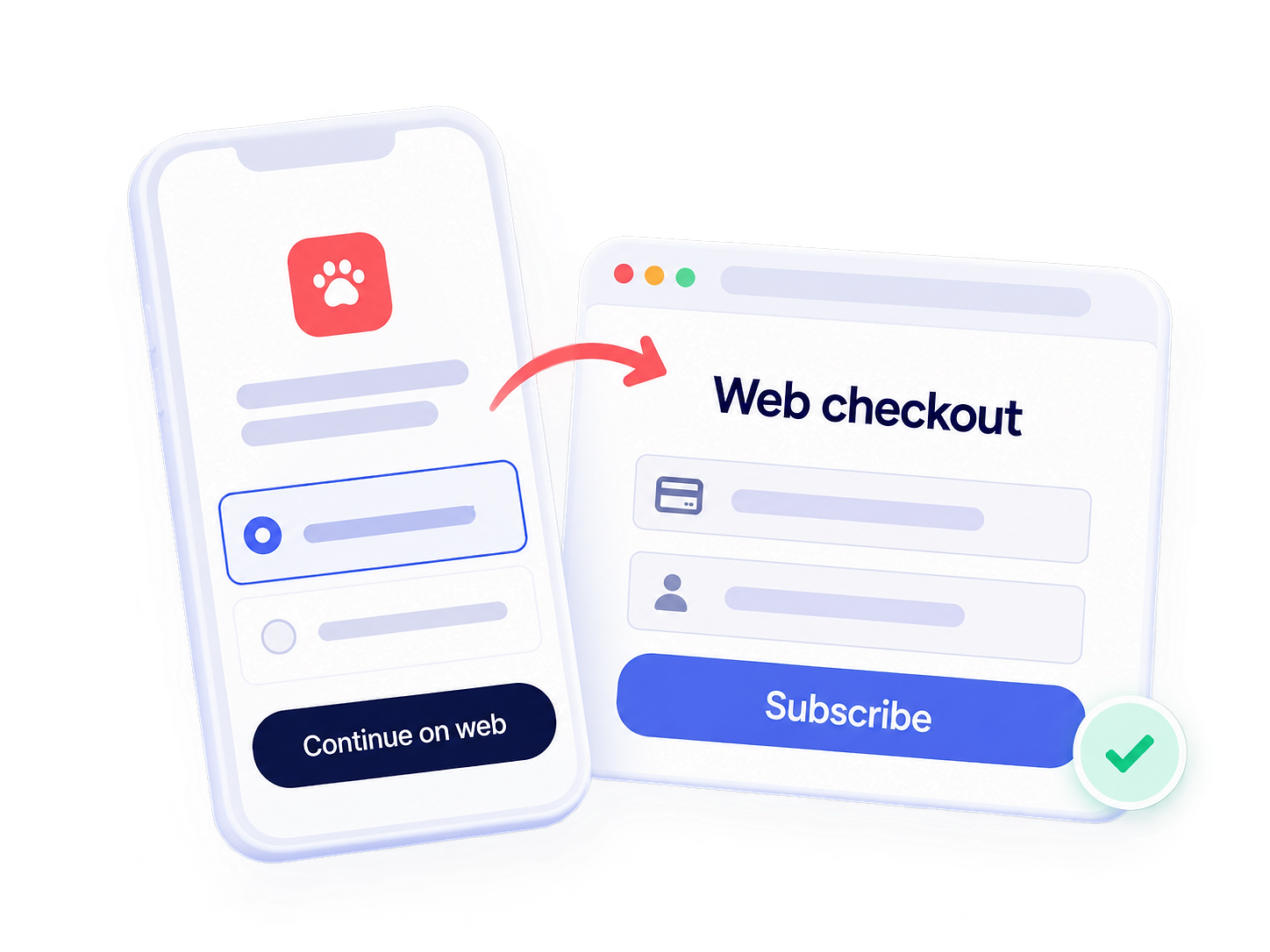
- A link to web checkout, available in those markets and the US.
The EU’s new terms effective October 1, 2026 revise the fees and let you offer these alternatives alongside Apple IAP.
Here’s what you pay Apple for each option:
Reduced rates cover eligible Small Business Program purchases, qualifying Mini Apps and Video Partner Program transactions, and subscriptions after their first paid year. Japan and Brazil’s IAP totals include Apple’s processing fee.
A few conditions affect the comparison. The US’s current 0% link-out rate depends on the ongoing Epic v. Apple court case. In the EU, Japan, and Brazil, linked purchases within seven days incur commission, and alternative payments require reporting. The EU also requires keeping your chosen payment options for 12 months.
Capture more revenue with web checkout
Also on Android? Check your Google Play fees
If your app is also on Google Play, it’s worth checking your Android fees while you’re at it.
Google’s fees for paid apps and one-time purchases can reach 30%, with reductions based on earnings, region, and program eligibility. Auto-renewing subscriptions through Play Billing have a standard 15% rate from day one, regardless of your revenue. There’s no first-year wait or program enrollment needed for that rate.
For other savings, check these options:
- The first-$1-million reduction. Paid apps and one-time purchases qualify for 15% on the first $1 million in annual earnings. Under Google’s original model, you must enroll through Play Console and group associated developer accounts together. Earnings above that threshold incur 30%.
- Partner programs. Apps Experience and Games Level Up reduce fees on qualifying one-time purchases above $1 million under Google’s newer regional model. They don’t change subscription rates.
- Alternative payments. Under that newer model, User Choice Billing and External Content Links remove the 5% Play Billing fee when customers use alternative checkout. Google’s service fee and your processor’s charges still apply.
Choose Google Play and your region in the fee calculator to compare the rates that apply to your app.
How to tell RevenueCat you’re enrolled
Once you’re enrolled, tell RevenueCat when your reduced rate started. This keeps your proceeds estimates aligned with your program membership.
For Apple
Record the Apple programs your app participates in so RevenueCat can estimate your proceeds correctly. Program membership is configured separately for each app.
- Select your app. Open Apps in your RevenueCat project and choose your App Store app.
- Open the relevant program settings. For Small Business Program membership, expand Apple Small Business Program. For Video Partner membership, expand Apple Video Partner Program.
- Enter your membership dates. Add the effective start date and an exit date if you’ve left the program.
- Save and repeat where needed. Configure each applicable program for each participating app.
Note: Backdated changes can take up to 24 hours to appear in charts. Previously delivered webhooks and integration events aren’t resent. See the Small Business Program guide and Video Partner guide.
For Mini Apps, News, or the updated EU terms, confirm the appropriate configuration with RevenueCat support.
For Google
RevenueCat automatically applies the 15% fee to auto-renewing subscriptions through Google Play Billing.
For one-time purchases, RevenueCat adjusts its commission estimates after you cross $1 million in annual earnings. The rate depends on the regional terms, install date, and applicable partner programs. Subscriptions remain at 15%.
If multiple apps or an app transfer make your estimates look wrong, contact RevenueCat support to check and adjust the calculation.
Stop leaving money on the table
You don’t have to redesign your checkout to start saving. If you qualify for a reduced-fee program but haven’t enrolled, start there. Then check whether alternative payments could save you more after processor fees and checkout drop-off.
Before you close this tab:
- For Apple: go to your App Store Connect agreements.
- For Google: visit the Associated developer accounts page in your Play Console.
- For RevenueCat: head to your app settings and confirm your Small Business Program status and any other applicable program dates are set correctly.
You’ve already built an app people will pay for. It’s worth checking how much of each payment you could keep. Use the App Store fee calculator to compare your current payment setup with the alternatives.
Quick answers
Is Apple’s $1 million threshold per app?
No. Apple assesses developer proceeds across apps and associated developer accounts. Splitting a portfolio across accounts you own or control does not create an independent allowance for each. Apple’s eligibility rules define associated accounts.
Can a subscription return to the lower rate after a cancellation?
Apple preserves accumulated paid service when a subscriber returns within 60 days of expiration. That can let them continue toward, or retain eligibility for, the reduced commission. The details are in Apple’s subscription guidance.
Does 0% Apple commission mean web checkout is free?
No. Your processor can charge percentage and fixed fees, and you still need to account for taxes, refunds, disputes, and the systems supporting the purchase. The US link-out rate removes Apple’s commission from that transaction; it does not remove the other costs of selling.
Are fees calculated before or after VAT?
Applicable VAT is removed before commission is calculated. Keep customer spending, revenue after tax, and proceeds after commission separate when comparing routes. RevenueCat’s tax and commission documentation explains those reporting distinctions.