
Run web checkout from your app
Send customers from your app to an external web checkout, complete purchases outside the app store, and unlock access back in the app.
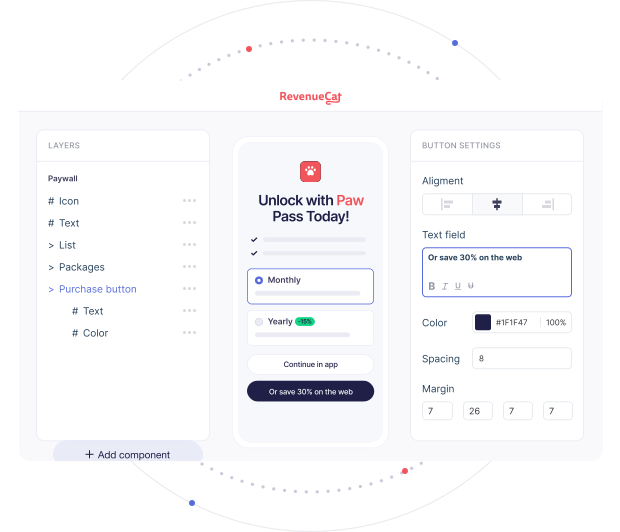
Capture more revenue with app-to-web

Offer purchases outside the app store
Web checkout gives you a way to offer purchases outside app store payment systems while keeping subscriptions tied to the app.

Avoid app store fees and increase margins
By moving checkout to the web, you avoid app store commissions and gain control over pricing and payment methods.

Own the customer relationship
Capture and use the details you need to engage subscribers, measure churn, and grow lifetime value.
How app-to-web works
A purchase starts in your app and finishes on the web, outside the app store payment system. After checkout, users redeem the purchase using a link or QR code that takes them straight back to the app. Once redeemed, access unlocks immediately. Subscriptions and entitlements stay in sync across app and web, so users get what they paid for without extra steps or confusion.
Connect app, web checkout, and access
Everything you need to run app-to-web without building custom glue code.
- 1
Link in-app paywalls to the web
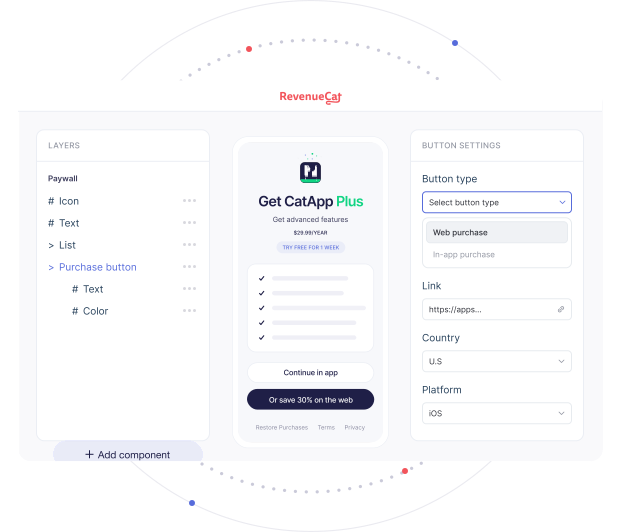
Purchases start in your app. With the Web Purchase Button, you can connect in-app paywalls directly to web paywalls, so users move from the app to the web without losing context or intent. This makes app-to-web a natural extension of your existing paywall flow, not a separate experience.
- 2
Run checkout on the web
Once users leave the app, checkout needs to be ready to convert. With RevenueCat you can host purchase-ready web paywalls using Web Purchase Links. These pages handle checkout on the web and support card payments, Apple Pay, and Google Pay, all outside the app store payment system.
- 3
Redeem purchases back to the app
After checkout, users need a clear path back into the app. RevenueCat offers Redemption Links to let users redeem their purchase and return to the app. They can open the app directly or scan a QR code, and the purchase is associated with the correct app user, even if they switch devices.
- 4
Grant and sync access automatically
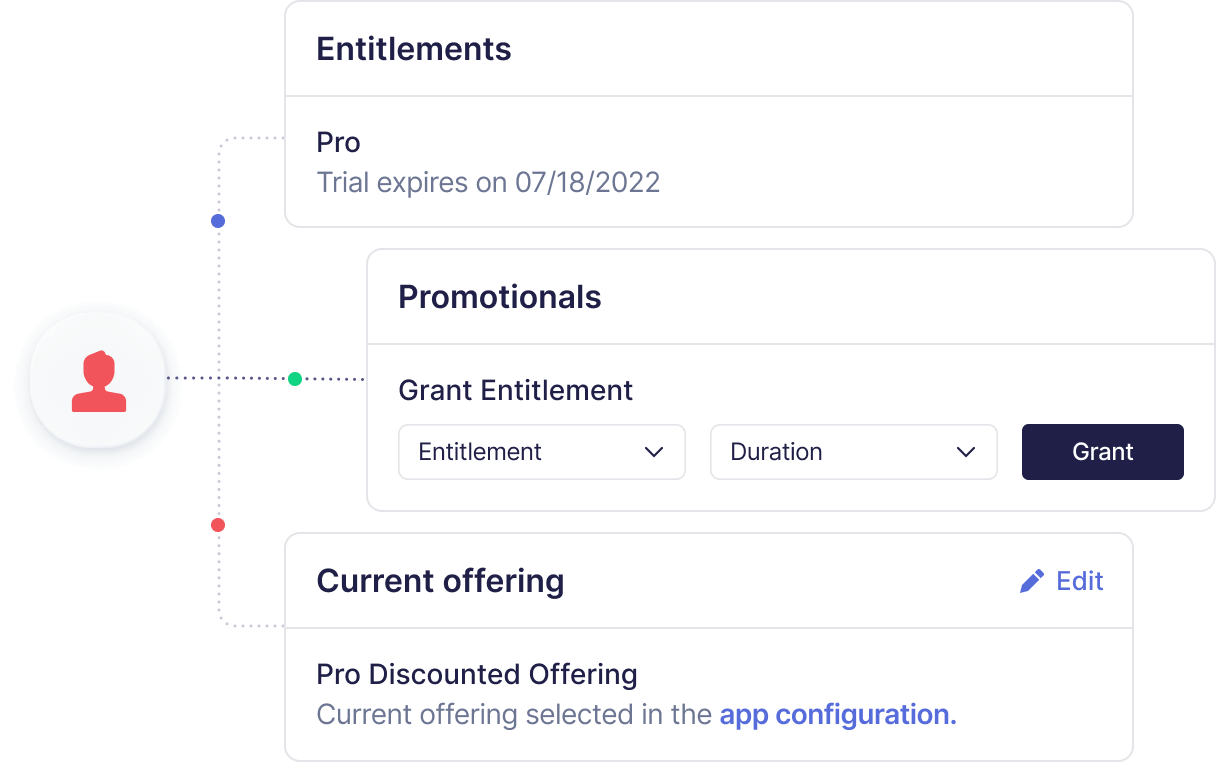
Once a purchase is redeemed, access just works. Powered by Web Billing, RevenueCat grants entitlements based on the successful web purchase and keeps access in sync between the web and the app. Users get what they paid for right away, and subscription state stays consistent.
Sell subscriptions on the web, not just app stores
Keep more of every subscription
Route eligible customers to a secure, RevenueCat-hosted web checkout. Purchases complete on the web, users return via deep link, and content unlocks instantly. Stay compliant, while recovering up to 30% margin and getting faster payouts.
Experiment without app review
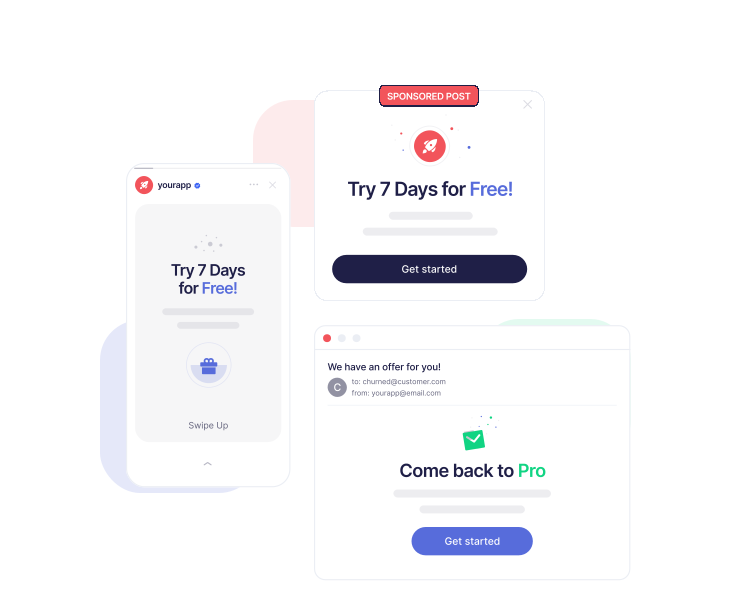
Run discounts, bundles, and regional pricing directly on the web. Update paywalls instantly in the RevenueCat dashboard, no app release required. Test messages like “Save on web” vs in-app purchase, and share Web Purchase Links in campaigns to drive conversions right away.
Build direct connections with subscribers
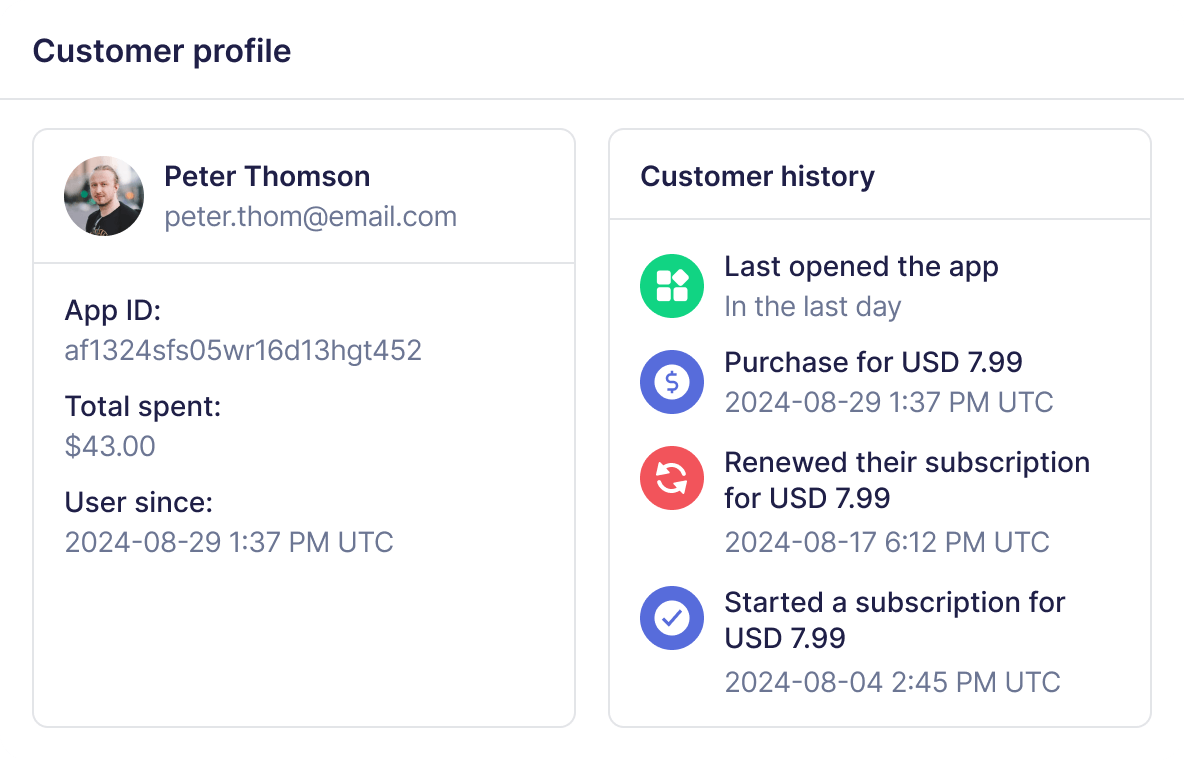
When payments happen on the web, you collect first-party emails and payment details. This data flows into your CRM and marketing tools so you can nurture subscribers, run win-back campaigns, and unify customer profiles across app and web.
How GRTV uses RevenueCat Web Billing to Power App-to-Web's case study

GRTV used RevenueCat Web Billing to launch subscriptions, scale through racing events like the Kentucky Derby, and drive 76% of U.S. revenue via web checkout.
Read case studyFrequently asked questions
App-to-web is a flow where a purchase starts in a mobile app, completes on the web, and unlocks access back in the app. Checkout runs outside the app store, while subscriptions and entitlements stay tied to the app user.
Users leave the app to complete checkout on the web. After payment, they redeem the purchase using a link or QR code that opens the app. Access unlocks automatically once the purchase is redeemed.
Yes. When purchases complete on the web instead of through in-app purchase, they aren’t processed by app store billing systems. This lets apps keep more of each transaction, depending on platform and region.
Apple and Google allow app-to-web flows in specific regions and categories, with different rules by country, platform, and app type. Requirements can include disclosures, entitlements, or fee structures, and they continue to evolve over time.
App teams need to follow the guidelines that apply to their users’ locations and storefronts. Learn more in our app-to-web purchase guidelines overview.
Ready to grow?
Our entire suite of features comes standard and it's free to get started.