

Paid ads and creator partnerships introduce your app to potential customers before they reach an app store. A web-to-app funnel lets you continue that conversation with a journey built around the message that brought them there, optimized for conversion.
You can explain your app’s value, learn what each visitor wants, guide them toward a relevant offer, and let them purchase before opening the app.
For developers, the opportunity is straightforward: test whether a guided web journey can bring in more paying customers without adding a full web growth stack to your roadmap.
RevenueCat Funnels keeps that test focused. Build and host the journey in RevenueCat, connect it to the products and entitlements you already manage, and measure how campaign traffic moves from its first click toward purchase.
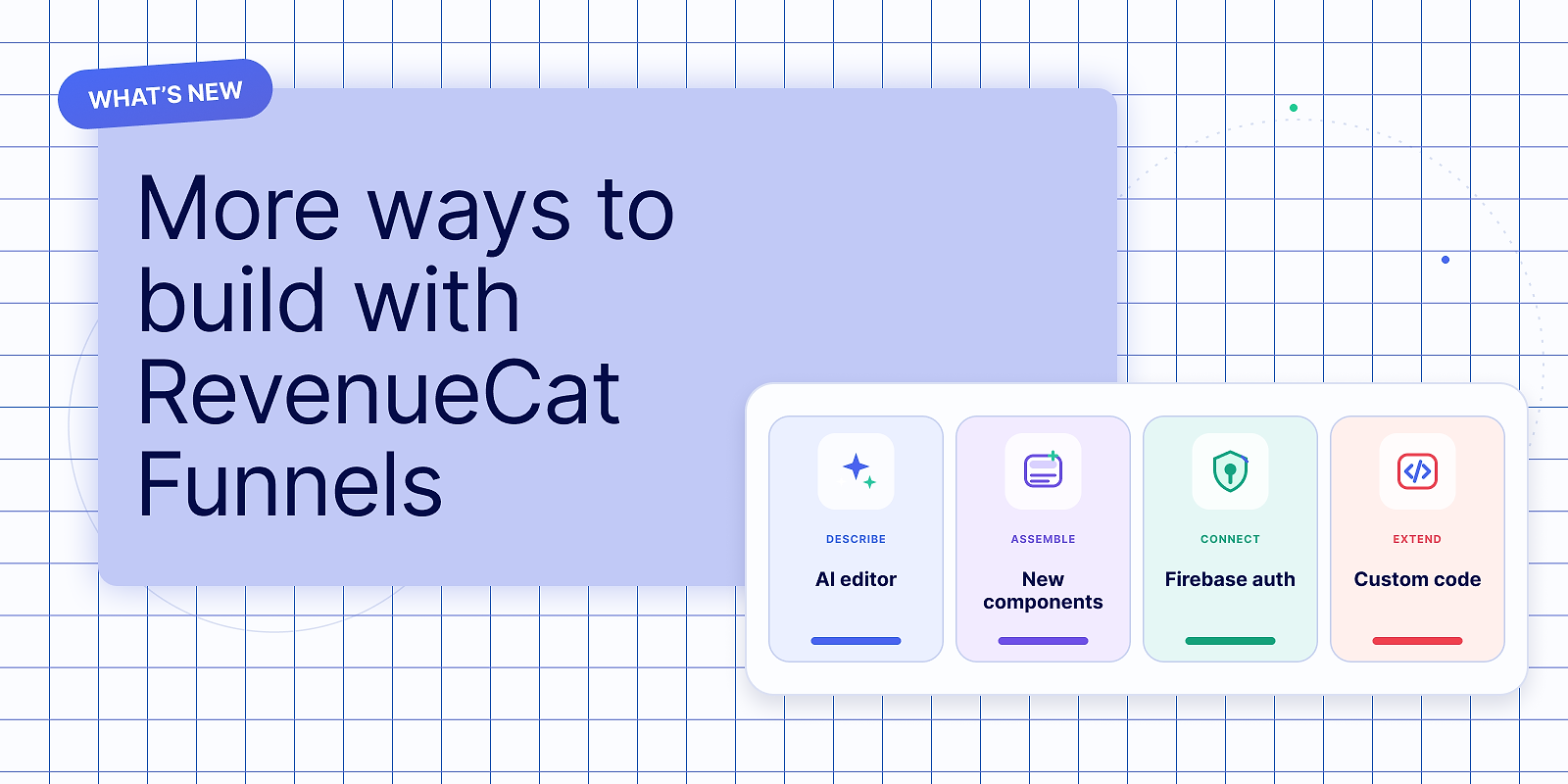
Several recent updates make it faster to get from an idea to a useful first test.
Get to a credible first design faster with AI
A blank screen creates work before it creates information. You need to choose a structure, write the copy, arrange the components, and make the result look like it belongs to your app.
RevenueCat’s AI Editor helps you get through that starting work faster. Describe the funnel screens you want in natural language, and the editor can create or modify it directly in the dashboard. You can also provide a screenshot or a design specification to steer the result.
The latest editor is better at:
- Creating polished starting points from open-ended prompts
- Handling complex layout and content changes
- Interpreting requests that don’t specify every design decision
- Rewriting copy and adjusting typography, spacing, colors, and imagery
- Adding, removing, and rearranging components
You still control the result in the visual editor. AI gets you to a credible draft faster; you decide what’s ready to test.
Learn more about building and editing Funnels >
Add familiar interactions without configuring them from scratch
A useful funnel often needs more than static text and a purchase button. It may need to compare plans, prepare a recommendation, or make a short processing step feel intentional.
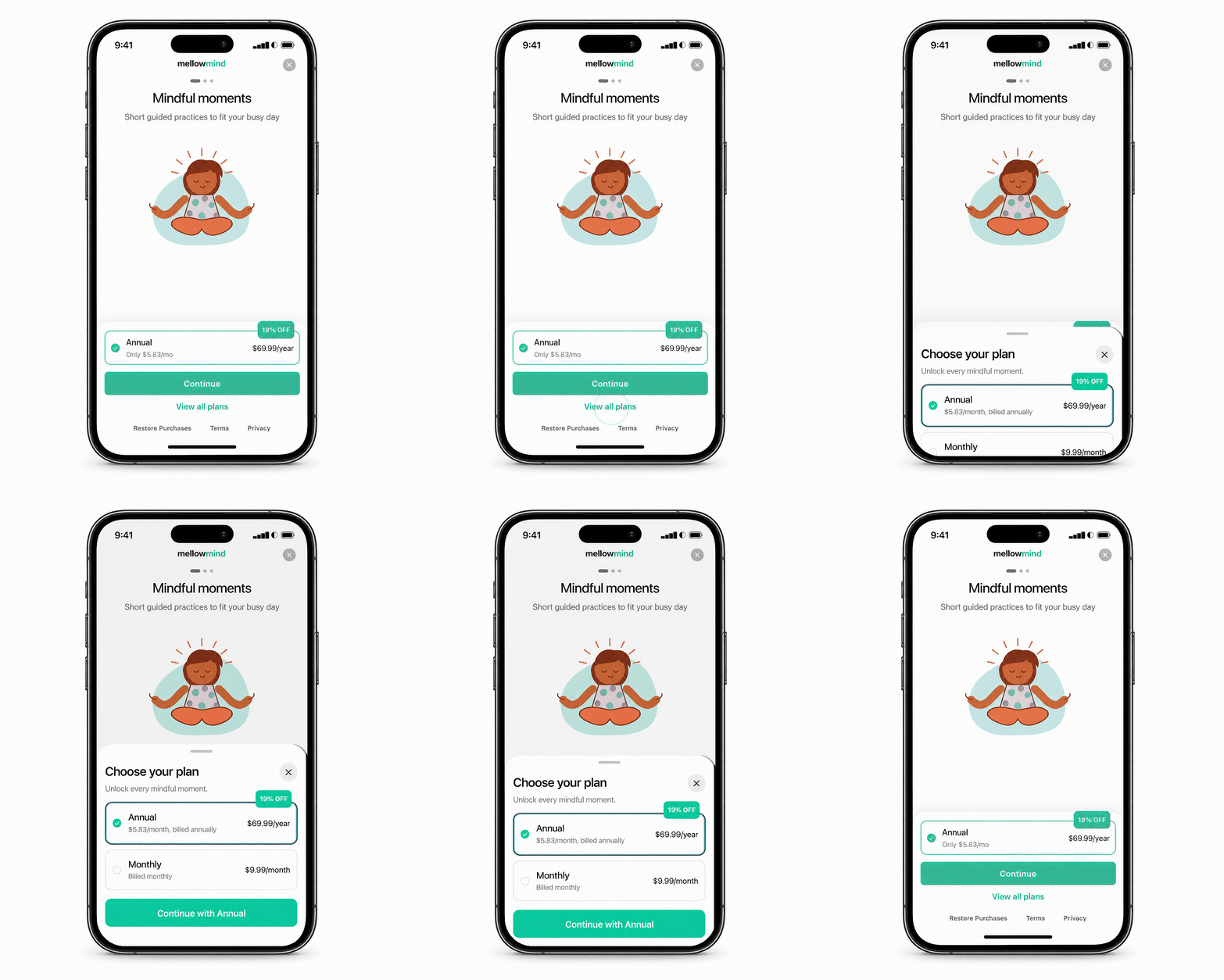
RevenueCat Funnels now includes a dedicated bottom sheet component with a ready-to-customize ‘View all plans’ example. You can keep the main screen focused on a recommended offer while still letting visitors inspect the other available plans.
New loader components help you create processing and recommendation screens with:
- Circular or linear progress animations
- Live percentage indicators
- Changing status messages
- Multi-stage loading sequences
- Components that appear at a specified point
A timer-complete trigger can automatically move the visitor to the next step. Alternatively, you can reveal a button and let them continue when they’re ready.
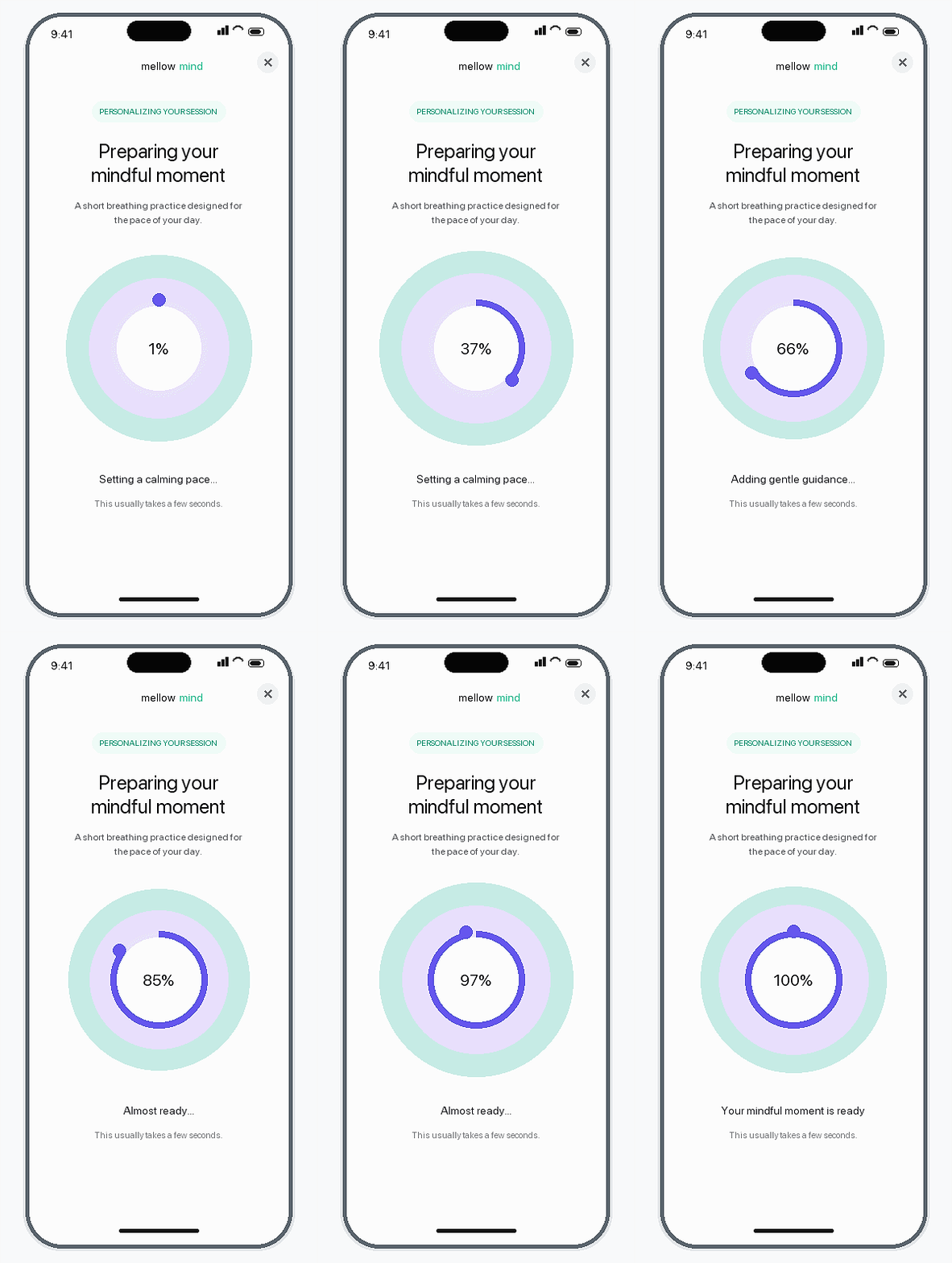
These additions reduce the amount of layout and interaction work required to make a funnel feel complete.
See how loader components work >
Use your existing Firebase Authentication setup
If your app uses Firebase Authentication, new customers can now create an account without leaving the funnel or passing through a separate login page. This gives you an email for lifecycle messaging if they don’t purchase and ensures customers who do purchase can sign in to the same account when they open your app.
Add an authentication step, connect your Firebase project, and choose between:
- Google sign-in: visitors authenticate through a Google popup inside the funnel
- Email and password: visitors use a customizable login and sign-up screen, with optional email verification
Firebase connections are saved at the RevenueCat project level and can be reused across all funnels.
Visitors who already have an authenticated session automatically advance through the step. Everyone else can create an account or sign in, then continue through the journey and arrive at checkout with a consistent identity.
Configure Firebase Authentication in RevenueCat Funnels >
Create your own custom components
The standard components and AI editor will cover most first funnel experiments, but if you need to go further, the new custom component lets you (or your agent) build a component directly from web code.
You can package HTML, CSS, and JavaScript and place it inside a funnel screen. Custom components can support:
- Lottie or Rive animations
- Interactive comparison tables
- Accordions and custom layouts
- Calculators, charts, or counters
- Canvas and WebGL experiences
- Other app-specific visuals and interactions
Download the starter project, customize it yourself or give the folder to a coding agent, and upload the completed ZIP file. RevenueCat validates and hosts the bundle.
Packages, purchase buttons, and other purchase-critical elements remain native to RevenueCat. You use custom code for the part that differentiates the experience while keeping the surrounding journey inside the funnel editor.
Learn how custom components work >
Give campaign traffic a clearer path to purchase
Together, these updates make the time you spend in RevenueCat Funnels go further: AI gets you to a strong first draft, ready-made components cover common interactions, Firebase connects your existing authentication, and custom components let you extend the experience with your own HTML, CSS, and JavaScript.
If you’re already sending traffic from paid ads or creator partnerships, funnels give you a focused next step: turn those clicks into a guided journey from campaign promise to purchase.