
Chapter 4: Your funnel tech stack: how to understand what each tool measures
Acquisition campaigns can be measured by a handful of systems, with each one measuring only part of the journey. Broadly-speaking, only two tools are required: the traffic source and RevenueCat — the other systems answer extra questions.
To get the most from your web funnel, you need to have a solid understanding of what each bit of your tech stack is for: how it works, why you need it, and what it measures.
Each system sees a different part of the journey and provides a unique layer to understand your campaign results. Not every team will use every optional system, and the systems you do use will not produce identical totals.
Do you need an MMP?
If this is your first campaign, you may not need a mobile measurement partner (MMP) on day one. MMPs are platforms that use SDKs and attribution links to connect ad interactions with mobile outcomes — like install, first app open, re-engagement, and later in-app events. Common MMPs are AppsFlyer, Adjust, Branch, Airbridge, Kochava, Singular, and Tenjin, all of which integrate with RevenueCat.
An MMP and RevenueCat answer different questions:
- RevenueCat measures the funnel, purchase, subscription lifecycle, revenue, and entitlement
- An MMP specializes in determining which campaign, channel, or partner should receive credit for mobile activity after the user crosses into the app
Start without an MMP if your primary goal is to identify which campaign or creator led to a paying web customer. Consider adding an MMP if you also need to connect that traffic to app installation, first open, deferred deep linking, re-engagement, or cross-network mobile attribution. (We walk through the details of when to introduce an MMP specifically for paid acquisition and influencer marketing in their respective sections below.)
Connecting an MMP (if applicable)
Once you've decided you need an MMP — whether for paid campaigns or creator-driven installs — here's how to connect it:
- Install and initialize the MMP SDK in the app
- Set the MMP's customer identifier on the RevenueCat customer as early as the provider requires
- Collect permitted device identifiers according to platform policy and user consent
- Configure the RevenueCat integration using the provider's app keys, tokens, and event mappings
- Disable duplicate client-side purchase revenue events if RevenueCat will send those events server-side
- Configure the app or deferred-deep-link destination used after purchase
- Pass approved campaign parameters — and, if appropriate, a non-sensitive App User ID — into that destination
- Test the full click → web purchase → install/open → redemption → entitlement → downstream-event journey
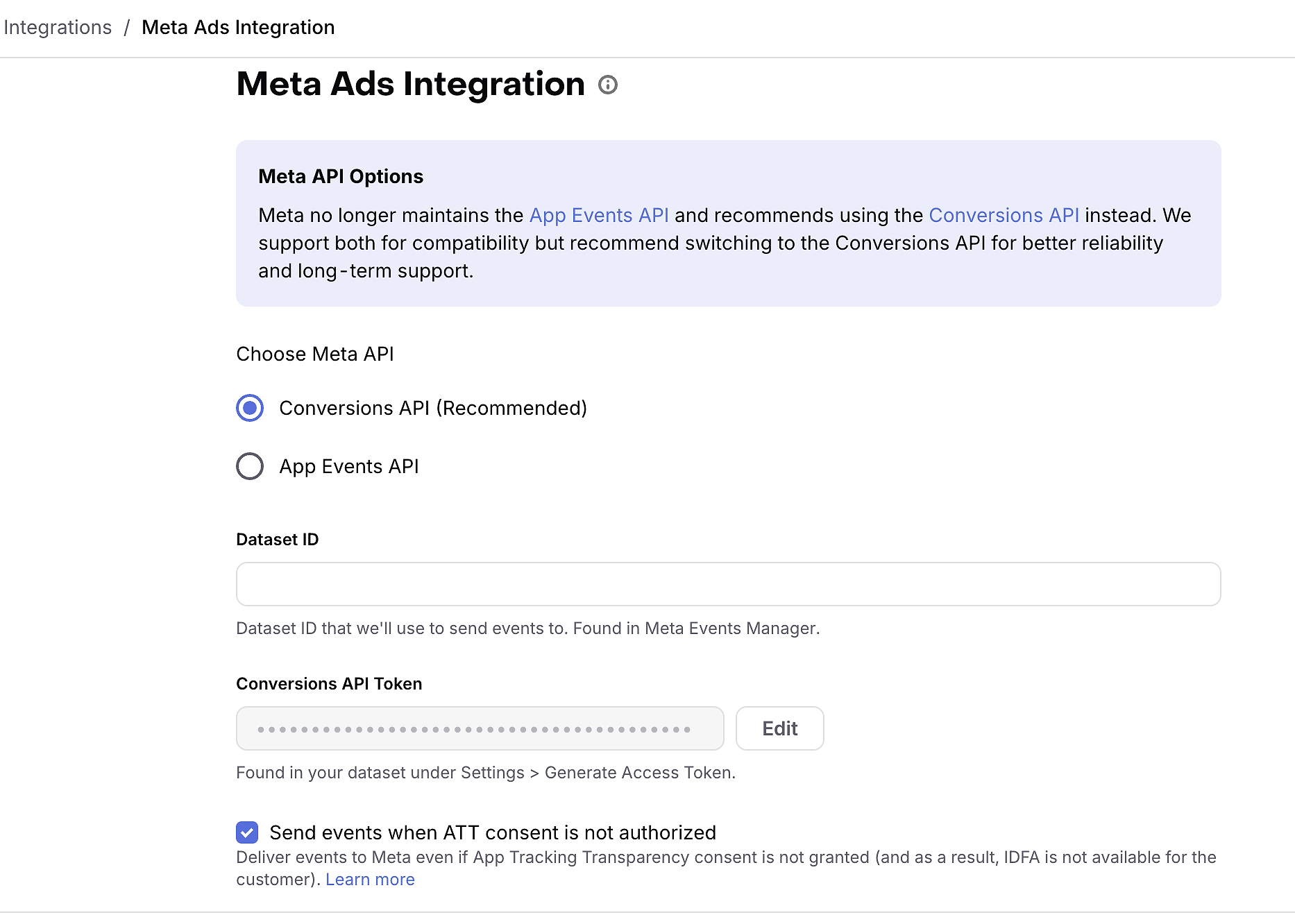
What's different by provider:
- AppsFlyer: set the AppsFlyer ID on the RevenueCat customer, configure the RevenueCat integration, and review the web-event route if web purchases must also appear in AppsFlyer alongside app events. See AppsFlyer Docs here.
- Adjust: set the Adjust ID, configure app and event tokens, and use Adjust's sandbox and testing tools to validate the setup before going live. See Adjust Docs here.
- Branch: align Branch identity with the RevenueCat App User ID, or set a separate Branch identifier, then configure the RevenueCat integration and deep-link destination. See Branch Docs here.
Verify the expected MMP and campaign or creator attributes on an actual RevenueCat test customer. An enabled integration doesn't prove that identifiers were set at the right time.
Attribution integration
RevenueCat isn't an attribution network itself, but it supports attribution integrations including AppsFlyer, Adjust, and Branch — campaign attribution must come from your provider or from values supplied to RevenueCat.
Do you need product analytics?
The more layers you add to your stack, the more complicated operation and measurement get. So only add product analytics when it answers a separate question that none of your existing tools can answer.
RevenueCat already offers some funnel analytics — for example, comparing customers who watched a demonstration with those who skipped it, regardless of whether they arrived through paid or creator traffic.
If you want to dig deeper, then RevenueCat Funnels can send funnel events to Amplitude, Mixpanel, and Segment. To get set up, enable Web Funnel Events in the relevant RevenueCat integration. Keep event names stable and verify that configured custom URL parameters appear in page_url_parameters. See our Funnel integrations Docs page for detailed instructions.
TL;DR:
- Keep RevenueCat as the source of truth for subscription state and lifecycle revenue
- Use product analytics to explain the behavior around those outcomes rather than recreating the subscription ledger there
Assign each tool as a source of truth
Before launching, it’s worth assigning a source of truth for each question or decision you may have. For example:
Totals will differ because the systems use different attribution windows, identities, time zones, session rules, and revenue definitions. The objective isn't to make every dashboard identical — it's to define what number governs what decision, and to explain expected differences.