

November was a Paywalls month through and through. If Paywalls are a key part of how you grow, you’ve probably felt the same tension we have: keep shipping experiments, keep design quality high, and don’t lose days to handoffs or tiny UI chores.
This release set is about removing friction. You can move designs from Figma to live Paywalls without rebuilding, work faster in the editor, preview across more devices before you publish, and add real urgency to promotions with a Countdown component. We also shipped a new way to share verified performance metrics.
Here’s what’s new.
Export Figma designs straight into Paywalls
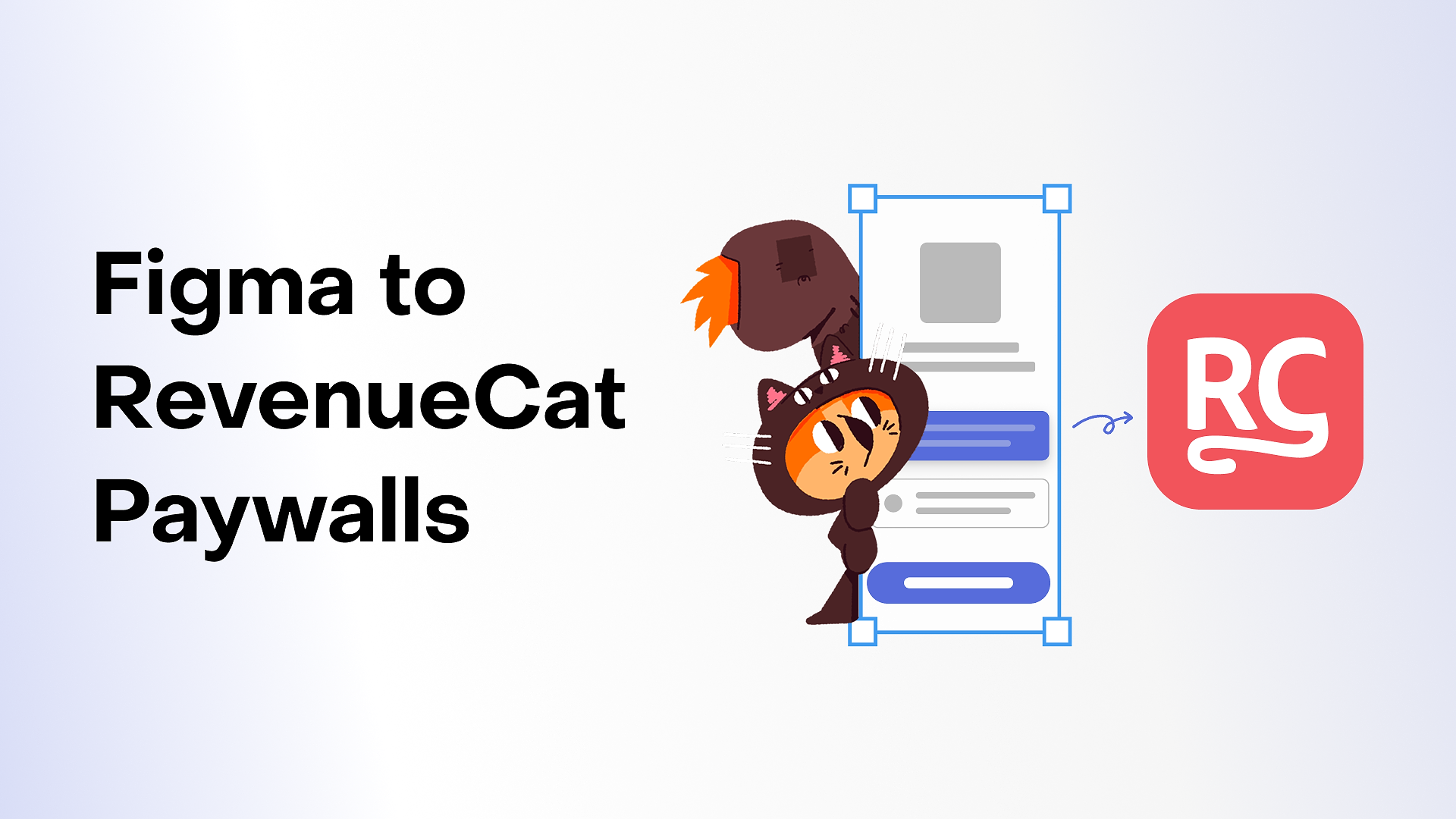
Design handoff shouldn’t mean starting over. Now it doesn’t.
You can export Figma mockups directly into the Paywall editor. Your layout comes in as native Paywalls components, so you can immediately:
- Edit copy without touching the structure.
- Swap products and packages.
- Localize text.
- Add experiments.
- Target specific audiences.
The practical win is speed. Designers stay in Figma, and the team shipping paywall tests can go from “final mock” to “live variant” without recreating the layout by hand.
Keyboard shortcuts in the Paywalls editor
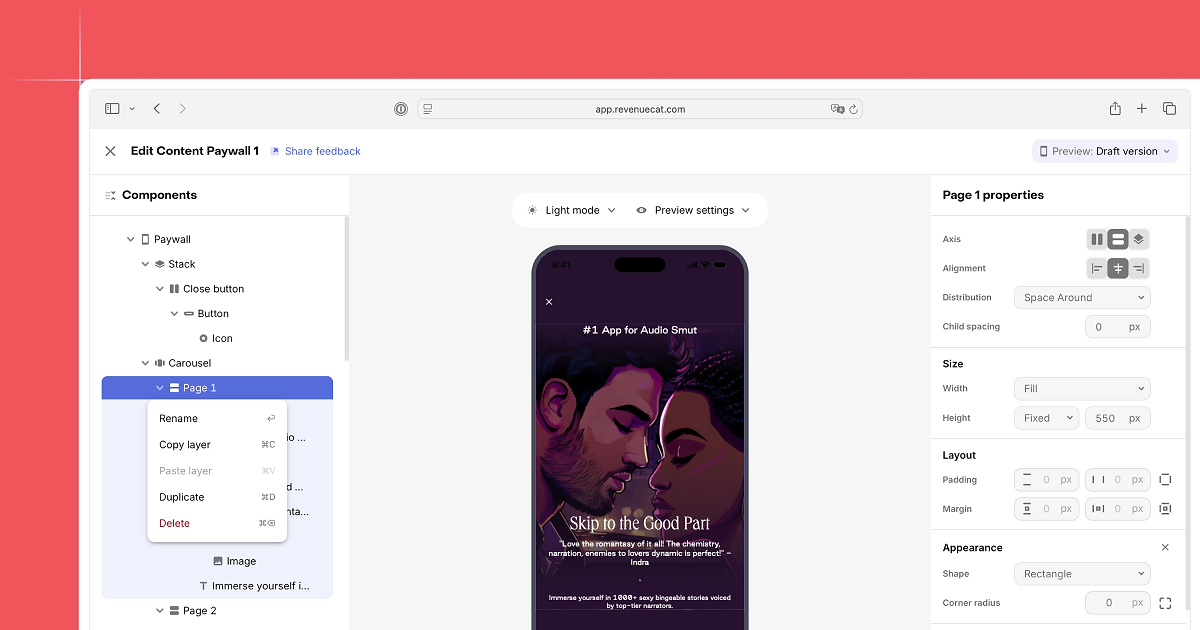
When you’re iterating quickly, little clicks add up.
The Paywalls editor now supports keyboard shortcuts for the actions you use most, including adding components, duplicating sections, undoing and redoing changes, and deleting blocks. It keeps you in flow and makes fast iteration feel genuinely fast.
Preview your paywall on more devices
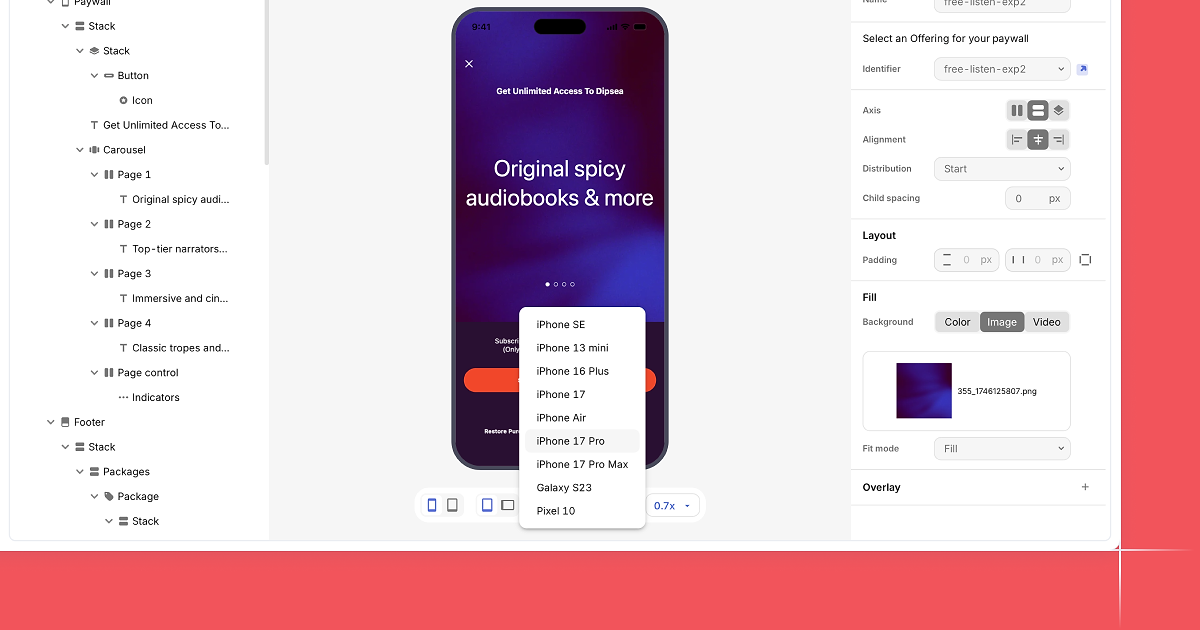
A paywall can look perfect on one screen and awkward on another. That used to be something you discovered after publishing.
Now you can preview Paywalls across a wider set of iOS and Android phones and tablets. The canvas updates to real screen sizes, so you can flip through devices in seconds to:
- Catch spacing issues early.
- Confirm font sizes.
- Check crops and media positioning.
- Sanity-check scroll behavior.
- Make sure your CTA lands where you want it.
It’s a simple change that prevents a lot of last-minute fixes.
Filter paywall templates
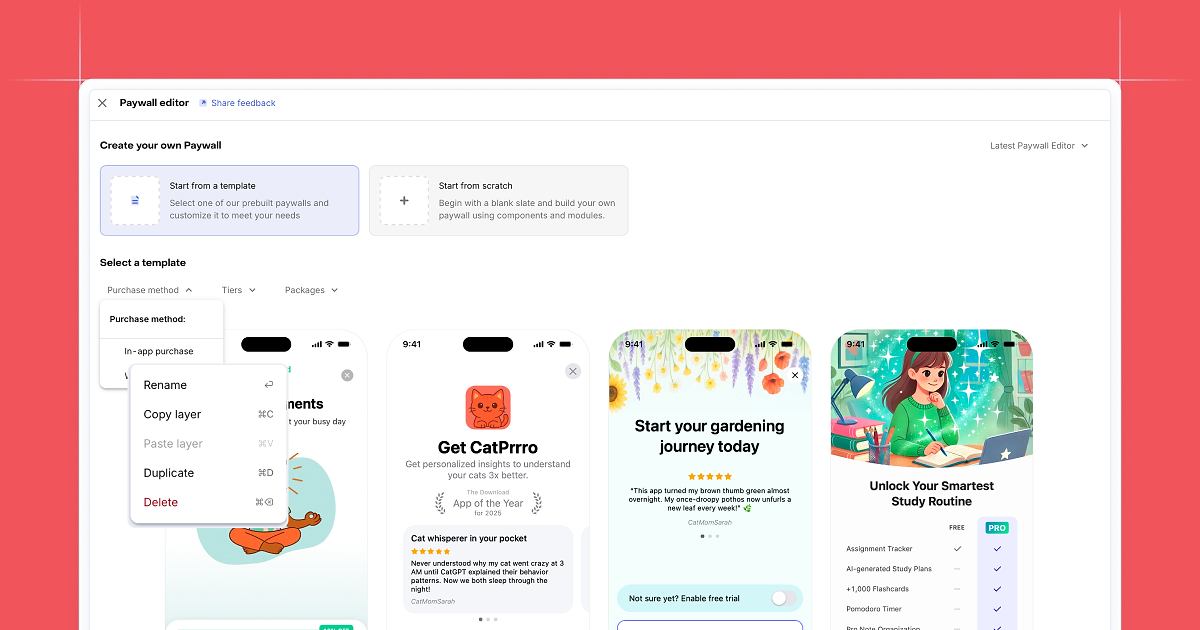
Templates are only helpful if you can find the right one quickly.
The template gallery now includes filters by purchase method, tier, or package. It’s especially useful when you know the pattern you want up front, like a trial-first layout, a pricing grid, or a promo-ready design. You spend less time searching and more time shipping.
Countdown component for your paywall
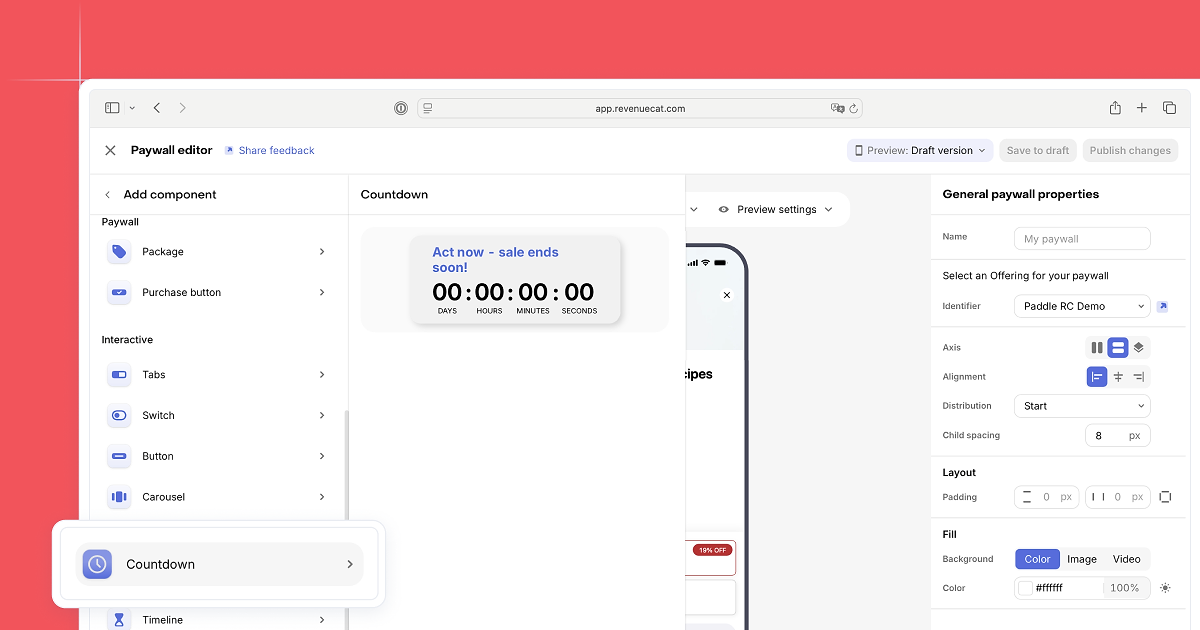
Promos work best when urgency is clear and real.
You can now add a Countdown timer to any Paywall. Set an end date once and the timer updates automatically. No extra code, no manual updates.
This is built for campaigns like Black Friday, launch promos, limited-time discounts, or any offer where timing helps people decide.
Share verified performance metrics
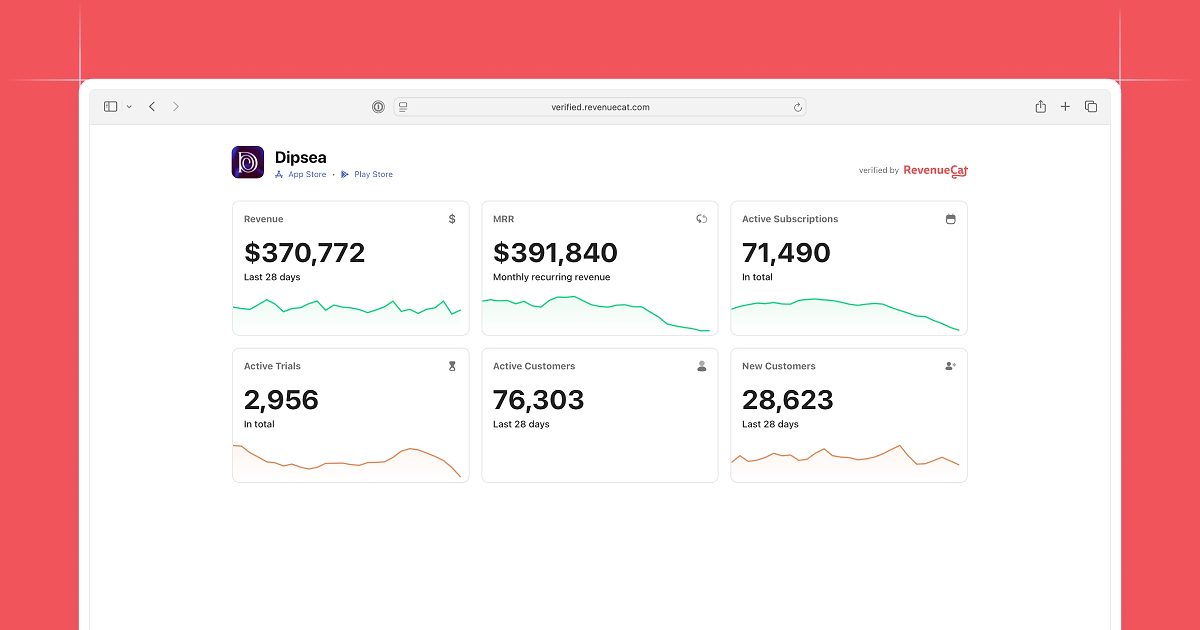
When you’re talking about growth, proof matters.
You can now publicly share verified performance metrics from your RevenueCat project. You control what’s visible: publish with your project details, or anonymize the profile entirely.
It’s a clean way to back up results for partners, investors, or your community with real numbers pulled directly from RevenueCat.
If you want to try these updates, everything is live in the dashboard now. Start with the Figma export and device previews if your workflow includes a lot of Paywall design iteration. Add the Countdown component the next time you’re running a time-boxed promo. Each of these is aimed at the same thing: getting high-quality Paywalls live faster, with less friction along the way.