

At the RevenueCat World Paywall Speed Building Championships 2025, the winner built a complete, production-ready paywall in 3 minutes and 16 seconds. It was an incredible feat of human engineering and drag-and-drop mastery.
You can now make that record completely obsolete.
You know you need to test your paywalls. The difference between a mediocre paywall and a great one is often the difference between a struggling app and a thriving subscription business.
But for anyone who isn’t a speed-building champion, the reality is different. Creating a paywall that looks good, handles every edge case, and is ready to publish requires design skills and engineering time you don’t have. Iterating on it takes even longer.
The result is a “good enough” paywall that never gets tested.
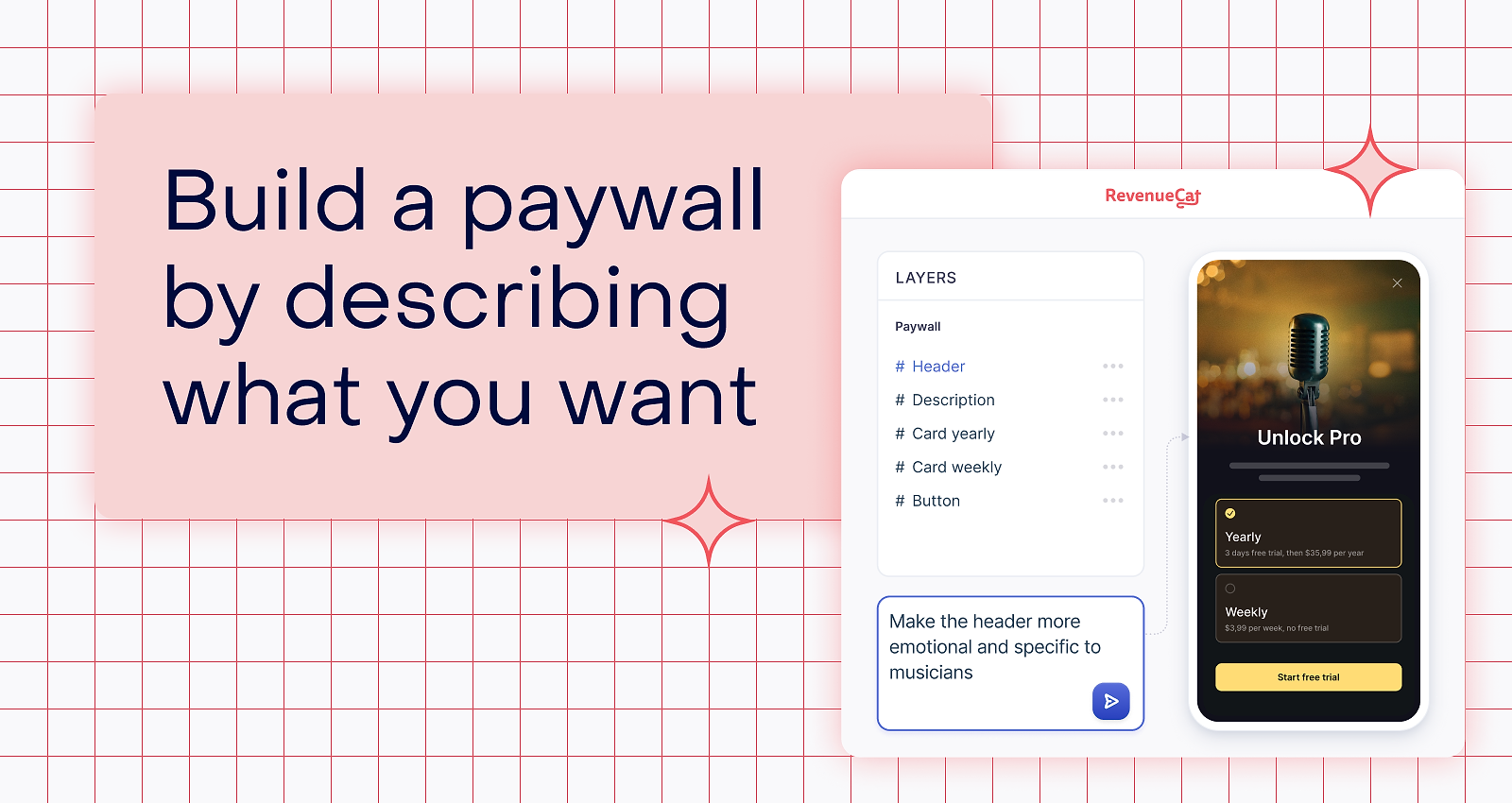
RevenueCat’s Paywalls AI Editor changes this. It’s a conversational paywall agent that lets you generate a production-ready paywall from a text prompt in seconds.
From drag-and-drop to done-in-seconds
You can edit any aspect of your paywall using natural language. Type “make the annual plan more prominent” or “use a darker color palette.” Every change streams live in the preview.
RevenueCat Paywalls AI Editor handles the entire paywall creation process from end to end. Whether you’re starting from a blank canvas or adapting an existing template, the AI Editor gives you complete control over every layer of your paywall.
Copywriting and conversion
Great paywalls live and die on their copy. You can ask the builder to rewrite your headlines, subheads, and CTA text to match your brand voice. Personalize the copy using custom variables like {{ custom.first_name }} or rewrite pricing language with variables like {{ product.price }} and {{ product.relative_discount }}. Clean up awkward copy, fix mismatched monthly and yearly labels, and rebalance plan emphasis, for example, changing the default selected plan, updating badge wording, or anchoring users toward the annual option.
Visual design and layout
You control the entire visual mood through natural language. Ask the builder to restyle your colors, adjust spacing, update typography, or fix contrast issues. Add or refine your layout for light and dark modes separately, for example, a white background with dark text in light mode and a deep navy with a glowing CTA in dark mode. Generate and swap imagery for your hero sections and backgrounds to better match your brand on the fly.
Components and structure
Building a paywall means assembling the right pieces. The AI Editor drops in whatever you need on command. You can add headers, feature lists, testimonials, comparison tables, timelines, carousels, and package groups. Remove, duplicate, reorder, or move any existing section, for example, pulling a testimonial block above the pricing cards to build trust before the ask. Ensure compliance by adding sticky footers and updating your Terms and Privacy URLs.
Localization
Scaling your app means translating your paywall. The AI Editor adds localizations directly to your layout and updates translated copy across every component. Fine-tune individual localized strings, for example, shortening a German CTA that overflows its button and test how different languages affect your layout before you push the changes live.
Pre-launch auditing
Before you ship, the builder acts as a second set of eyes. Ask it to audit your paywall for common conversion killers. It flags issues like a low-contrast CTA button, a pricing card that clips on iPhone SE, a missing restore purchases link, or an annual plan that looks identical to the monthly one. Get a list of fixes you can apply instantly with a single follow-up prompt.
Try the AI Editor today
Log into your dashboard, click “Create paywall,” and select “Generate with AI”. Describe what you want to build. Try to beat 3 minutes and 16 seconds. We think you will.